

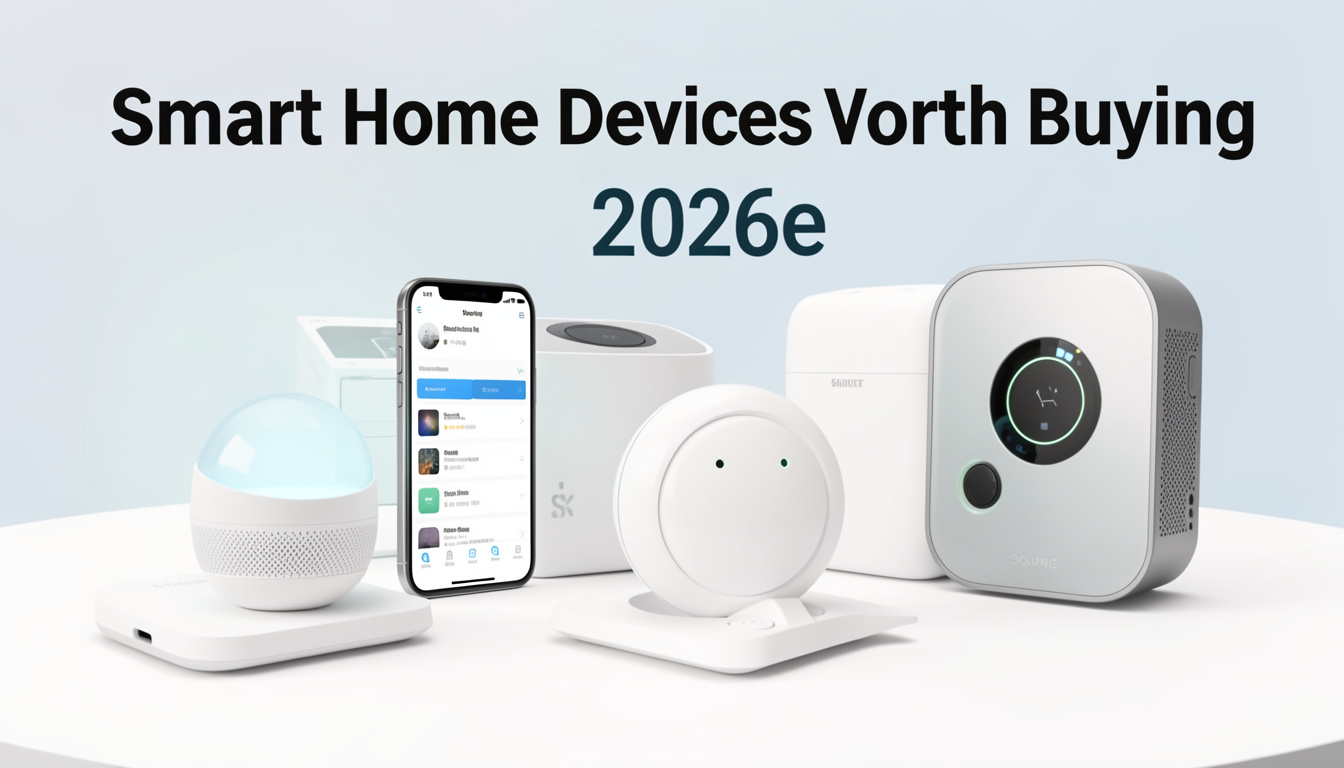
Smart home devices worth buying 2026 are not about hype or tech for tech’s sake—they’re about practical value, security, and futureproofing as homes rapidly connect. In 2026, the best smart home investments will blend energy savings, real reliability, and real-world interoperability, not just flashy features.
Key Takeaways
- Smart home market revenue in 2026 will reach $150B–$180B globally; security, energy management, and interoperability drive the best device investments.
- Common user frustrations are still setup complexity, recurring subscription fees, privacy issues, and poor brand compatibility—choose devices that address these up-front.
- For highest ROI, focus on smart thermostats, reliable cameras, retrofittable lighting/plugs, and solutions with robust local control (not just cloud features).
- What Makes Smart Home Devices Worth Buying in 2026?
- How to Choose, Install, and Optimize Smart Home Devices in 2026
- Advanced Analysis: Pitfalls and Real-World Headaches
- Conclusion: Smartest Bets for 2026
- FAQs
What Makes Smart Home Devices Worth Buying in 2026?
The race for smarter homes is exploding, with global smart home market projections clustering around $150B to $180B in 2026, and double-digit annual growth into the next decade. But with so many devices promising the world, what actually makes a smart home device worth buying in 2026?
True value comes from practical gains: energy management that cuts utility bills, cameras and locks that truly increase security, and devices that genuinely work together—even as the tech landscape keeps shifting. Analyst reports highlight the surge in smart speakers, TVs, home security, and appliances, but the real ROI is in devices that are reliable, easy to integrate, and can ride out new standards.
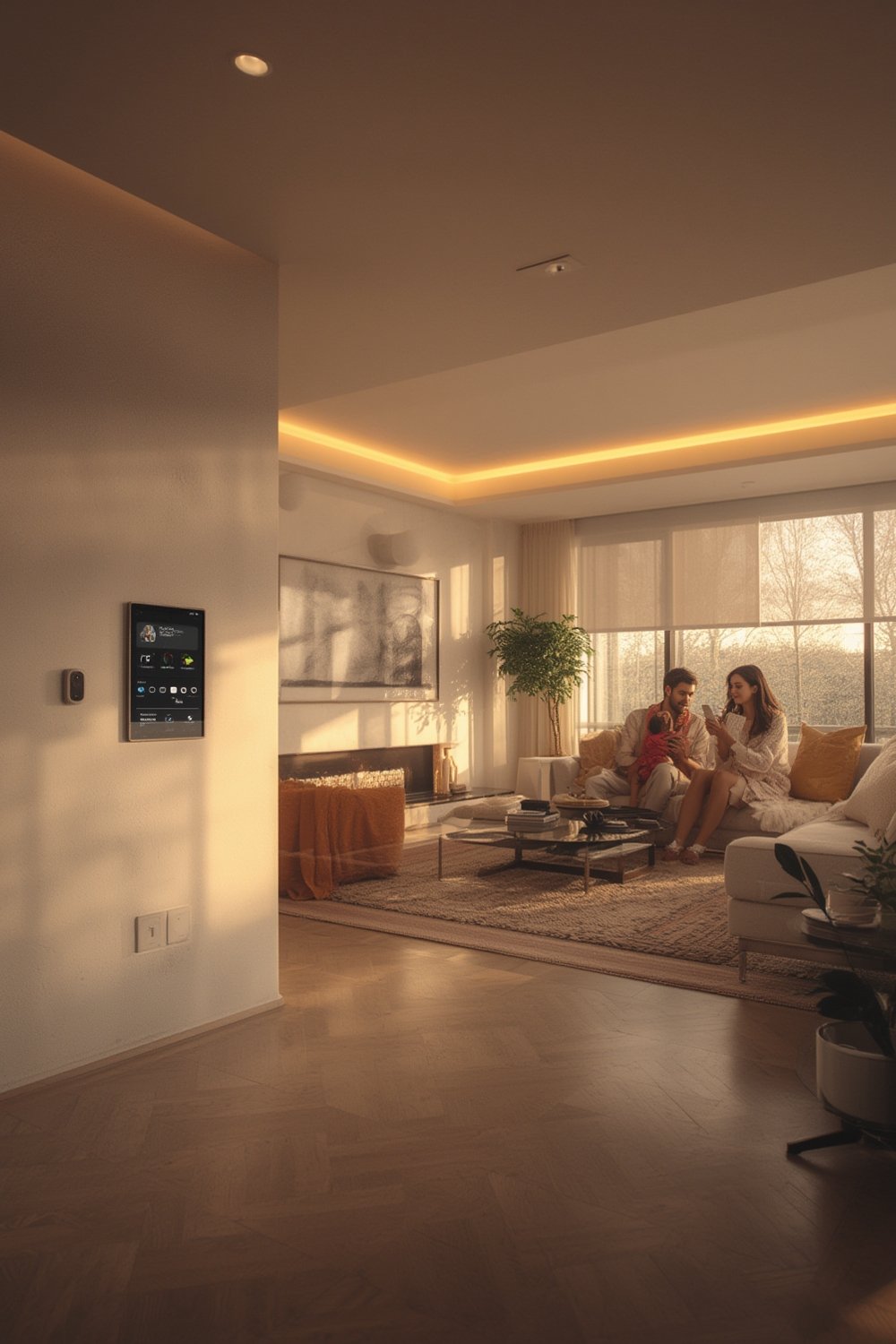
Adoption is set to double by 2026 with more than a quarter of all households globally running smart devices (source). Yet, barriers remain: setup headaches, data privacy, and the pain of switching brands or standards. Devices that solve these long-term problems—offering local control, proven savings, and futureproof compatibility—are where your money works hardest.
If you’re planning upgrades, it pays to look beyond the superficial “latest gadgets” lists. Focus instead on devices that combine energy efficiency, robust security, seamless upgrades, and cross-brand compatibility into a package that fits your real needs—not the manufacturer’s marketing plan.
How to Choose, Install, and Optimize Smart Home Devices in 2026
- Map Your Priorities: Write down real problems you want to solve: is it lowering heating costs, deterring break-ins, limiting background noise, or streamlining routines?
- Audit Your Existing Tech: Inventory what you already own—Wi-Fi coverage, legacy hubs, basic appliances—so you don’t duplicate or pick incompatible devices.
- Choose Devices with Proven Value and Interoperability:
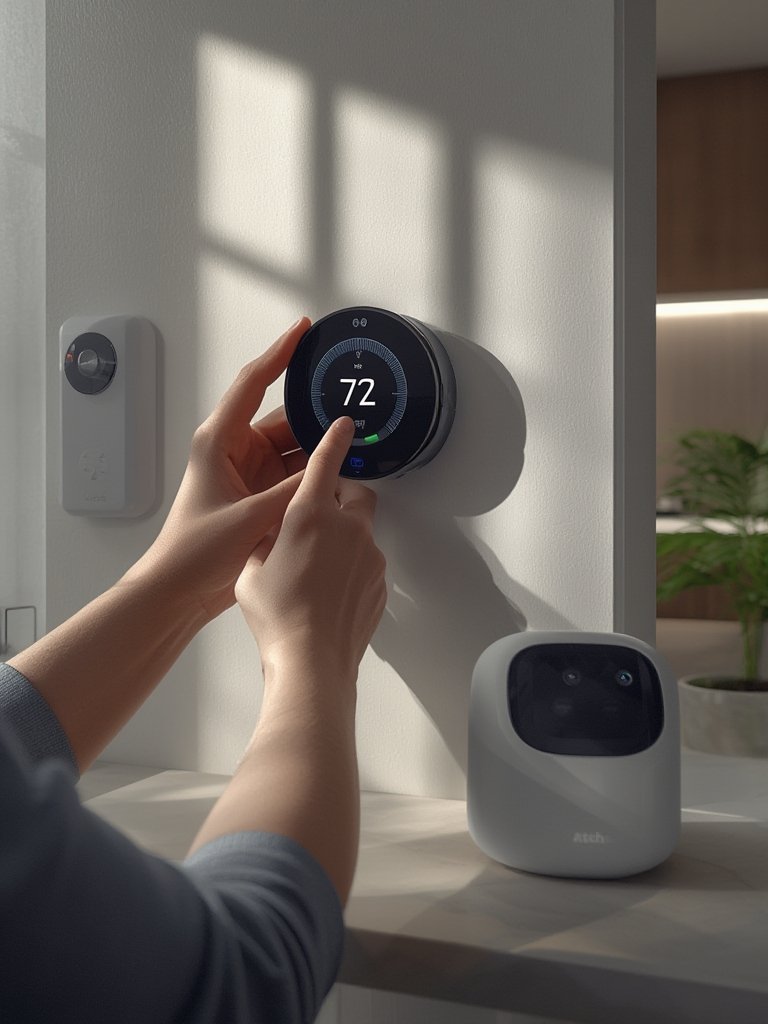
- Focus on energy controls (smart thermostats), reliable security cameras and locks, and core lighting or plugs. Read up on which brands demonstrate real cross-platform support and long firmware update horizons.
- Avoid lock-in: Select devices marked as supporting industry standards (Matter, Thread, Zigbee), and check local control options.
- Plan for Long-Term Ownership: Scrutinize recurring subscription costs, support timelines, and upgrade policies. Total cost of ownership (TCO) over 5–10 years matters more than upfront sticker prices.
- Install Step-By-Step: Don’t overhaul everything at once. Start with the highest-ROI devices (thermostat, security, a handful of lights) and test app workflows before scaling up.
- Consider professional help for complex wiring or whole-home bundles, especially in multi-family settings where ROI is even greater for landlords (source).
- Review Device Privacy and Security Practices: Opt in only where you must. Favor brands with on-device processing and local storage, and routinely change passwords and audit permissions.
- Link Automations Carefully: Test how devices interact in real-world routines—especially if mixing brands. Expect to refine schedules, scenes, and trigger/response flows over time.
For quick home upgrades, don’t underestimate plug-and-play options. Some renters achieve a high-end look—without the big spend—by using easy-to-install products like Peel Stick Backsplash and LEGO Bamboo sets. These complement a connected space visually while keeping installation accessible.
Also, if overheating or wireless dropouts are a problem, use surge protectors with energy monitoring or dense privacy film in sunny window rooms for better thermal control. Check out Roku Stick guides if streaming compatibility is mission-critical.
Advanced Analysis: Pitfalls and Real-World Headaches
Despite rapid advances, real-life smart home integration in 2026 still poses pitfalls—especially around setup, privacy, upgrade costs, and device obsolescence. Here are top issues, and how to avoid them.
- Setup & Integration Complexity: Nearly half of first-time buyers abandon or delay adoption due to confusing onboarding and integration, especially if mixing brands or protocols. Expect lengthy app registration, QR pairing, and network configuration.
- Connectivity and Reliability Woes: Wi-Fi signal dropouts, busy 2.4/5 GHz bands, and legacy mesh standards (Zigbee, Z-Wave) regularly cause devices to go offline. Automations can fail if one bridge or cloud service goes down—always have manual overrides.
- Subscription and Upgrade Fatigue: Security cameras and advanced smart locks increasingly require monthly fees for cloud recording or AI features. Factor these into 5-year TCO, or choose models offering local processing and storage if you want to escape recurring bills.
- Privacy and Data Misuse: Always-on microphones and cameras have prompted major concerns around data leaks and unauthorized access. Favor brands with transparent privacy controls and strong device-level encryption (source).
- Vendor Lock-In & Ecosystem Shifts: If a brand withdraws from the market, cloud servers may disappear and break automations or access, as seen in past buyouts. Plan for migration and rely on standards-based devices that can be adopted by other ecosystems.
- Incomplete Feature Parity Under New Protocols: Even as interoperability increases via common standards, certain advanced features—like camera analytics or multi-room scenes—may not transfer between platforms.
| Category | 2026 Price Range (USD) | Key Features | Common Pitfalls |
|---|---|---|---|
| Smart Thermostats | 80–300+ | Learning, energy saving, app control | Complex installation, legacy HVAC compatibility, over-reliance on “AI” routines |
| Security Cameras & Doorbells | 40–350+ | Person detection, night vision, remote view | Cloud fees, privacy issues, reliability if Wi-Fi/cloud fails |
| Smart Lighting | Bulbs 10–25/Switches 30–60 | Scenes, color, voice/app control | Dropping off networks, app/switch confusion, light quality |
| Smart Plugs/Energy Monitors | Plugs 10–30/Panel 60–200 | Remote on/off, usage tracking | Losing connection, firmware obsolescence |
| Robot Vacuums | 200–1,200+ | Mapping, auto-empty docks, SLAM/LiDAR | Navigation failures, tangled hair/debris, dependency on cloud |
If you’re a renter, homeowner, or property manager, install with the long game in mind. Resources like Antimicrobial Peel Stick Tiles and Princess Decals even show how non-smart DIY upgrades can partner with core smart tech—especially when you want quick changes with minimal risk.
Conclusion: Smartest Bets for 2026
2026 is the tipping point where smart home upgrades finally pay off—if you shop for ROI, privacy, and real interoperability. Prioritize smart thermostats for energy savings, security devices with strong privacy controls, and lighting/plugs that support standards. Watch for hidden subscription fees, and demand transparency about upgrades and local control.
If you focus on smart home devices worth buying 2026, you’ll sidestep the common headaches and maximize value as tech continues to evolve. Ready to build a safer, smarter, and more efficient living space? Audit your needs, make a plan, and invest in the devices that deliver—not just the ones marketers say you “need.”
Want quick tips for easy, renter-friendly upgrades? Try Peel Wallpaper or check out durable Mixed Metal Peel Stick Tiles for a high-impact finish that complements modern smart home setups.
FAQs
What are the best categories of smart home devices to buy in 2026?
Focus investment on smart thermostats, reliable security cameras and locks, core lighting and smart plugs, and appliances that support open standards. These categories repeatedly deliver the best mix of energy savings, safety, and futureproofing according to market research (source).
How do I avoid high subscription fees when buying smart home gear?
Choose products with robust local storage and processing where possible (especially cameras and locks). Review total cost over five years, including potential cloud service fees, before investing. Not all features need a subscription, and some brands offer free basic plans.
What compatibility issues should I consider before installing devices?
Check support for interoperability standards such as Matter, Thread, or Zigbee. Avoid single-vendor solutions when possible, and make sure your Wi-Fi and app platforms can handle multi-brand setups. Test automation flows before rolling out system-wide changes.
How can I maximize privacy and security for my smart home?
Use strong, unique passwords; enable two-factor authentication; update firmware regularly. Limit device permissions and use local processing for video/audio whenever possible. Choose brands transparent about privacy policies and device security practices (source).
Are smart home upgrades worth it for renters or temporary living?
Yes, as long as you focus on simple, wireless, plug-and-play devices like smart plugs, lighting, or streaming sticks. Complement with removable décor upgrades like Peel Stick Backsplash or wallpaper that can easily be taken when you move.
