

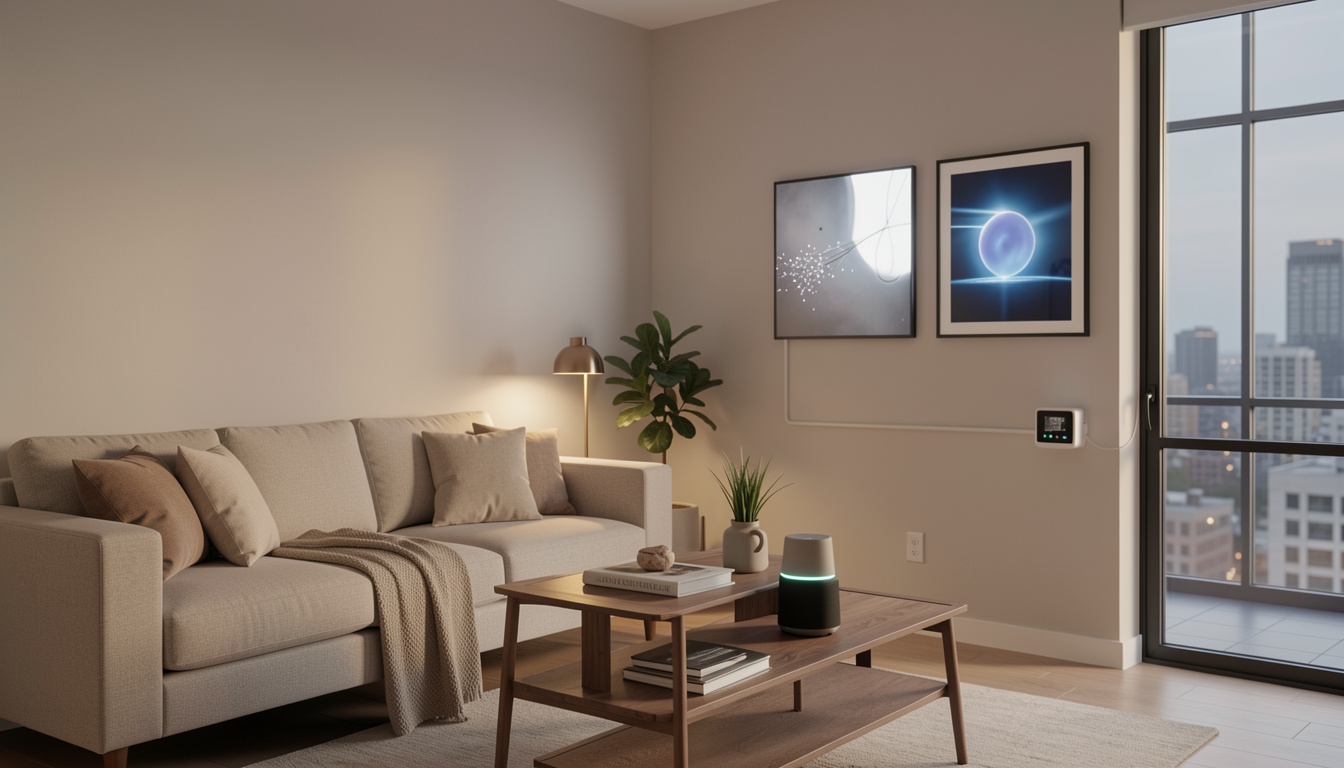
Smart home devices for apartments are changing the way renters control comfort, security, and energy use—even without drilling holes or running new wires. But not every device works flawlessly in small rentals, or respects the limits your landlord sets. Here’s a no-nonsense, 2024 guide to choosing, setting up, and living with smart home tech designed specifically for apartments.
Key Takeaways
- Most apartment-friendly smart home devices avoid drilling and hardwiring, making them easy for renters to install and remove.
- Landlord restrictions and connectivity barriers are real—opt for portable, non-invasive gadgets, and double-check your lease before upgrades.
- Prioritize devices that address privacy, energy savings, and flexible installation, since these are the most valued features for apartment dwellers in 2024.
The Core Concept: What Are Smart Home Devices for Apartments?
Smart home devices for apartments are compact tech tools—think plugs, cameras, thermostats, speakers, lights, locks, and voice assistants—that work wirelessly and don’t require drilling or changing building wiring. They’re popular among renters for convenience, better security, and lower energy bills, but also because they can be removed or reinstalled when you move.
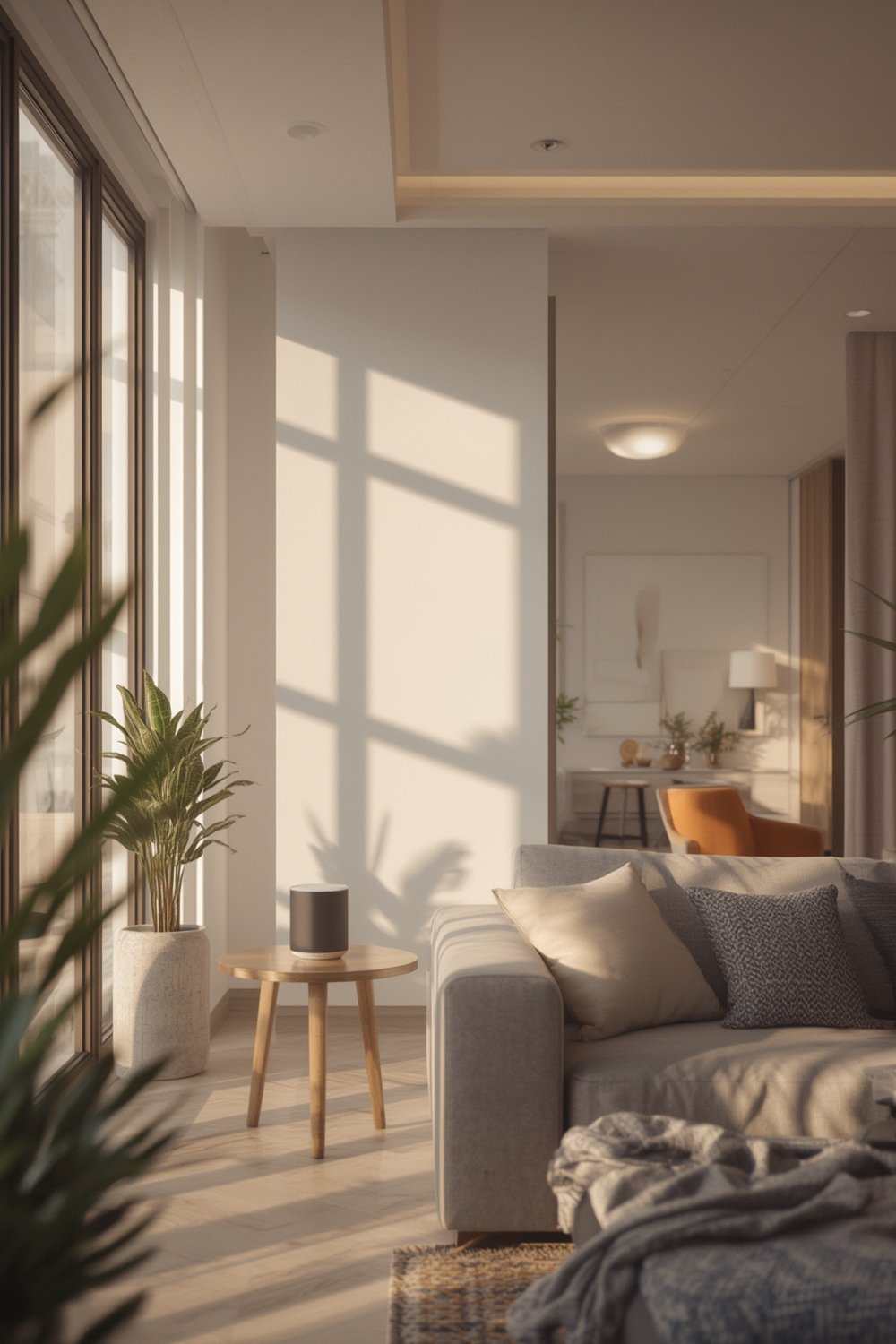
In 2024, single-family homes still own about 65% of the smart home market thanks to more space and budget for full-house setups. Apartments, while a smaller piece of the pie, are gaining fast, especially as energy prices climb and property managers add centralized upgrades for tenants.
Unlike permanent fixtures popular in houses, apartment devices must be easy to mount, connect, and remove with zero or minimal modifications. They also need to play well with Wi-Fi, take up little space, and address the privacy concerns unique to renting. For renters, these factors can be the difference between getting a deposit returned and a costly repair.
Modern renters want convenience, but also flexibility. Devices like LEGO Bamboo home décor or peel-and-stick options such as Peel Stick Backsplash appeal for similar reasons: they add style or smarts, but come off without a trace.
Step-by-Step Guide: Setting Up Smart Home Devices for Apartments
Setting up a smart apartment involves a few careful choices. Here’s how to get real results without headaches or surprises.
1. Assess Your Space & Needs
Decide which features matter: security (cameras, locks), energy savings (thermostats, plugs), convenience (lights, voice assistants), or entertainment (streamers). Measure where devices will go and test Wi-Fi strength in those spots.
2. Choose Truly Renter-Friendly Devices
Search for smart home tech labeled as “plug-and-play,” “wireless,” or “no-drill.” Best bets for 2024—based on renter trends and technical specs—include:
- Smart Plugs: Wi-Fi enabled, work from any outlet, no tools needed.
- Battery-Powered Security Cameras: Attach with adhesives, fully wireless, app-controlled.
- Keyless Entry Pads: Retrofit over existing locks, or use keypad deadbolts with landlord approval.
- Smart Bulbs: Screw in by hand, sync with phone or hub, use no extra hardware.
- Peephole Cameras: Replace old peephole—no drilling—and keep your door intact.
For privacy, select brands that support two-factor authentication, strong encryption, and device-side (not cloud) storage when available.
3. Plan Your Network
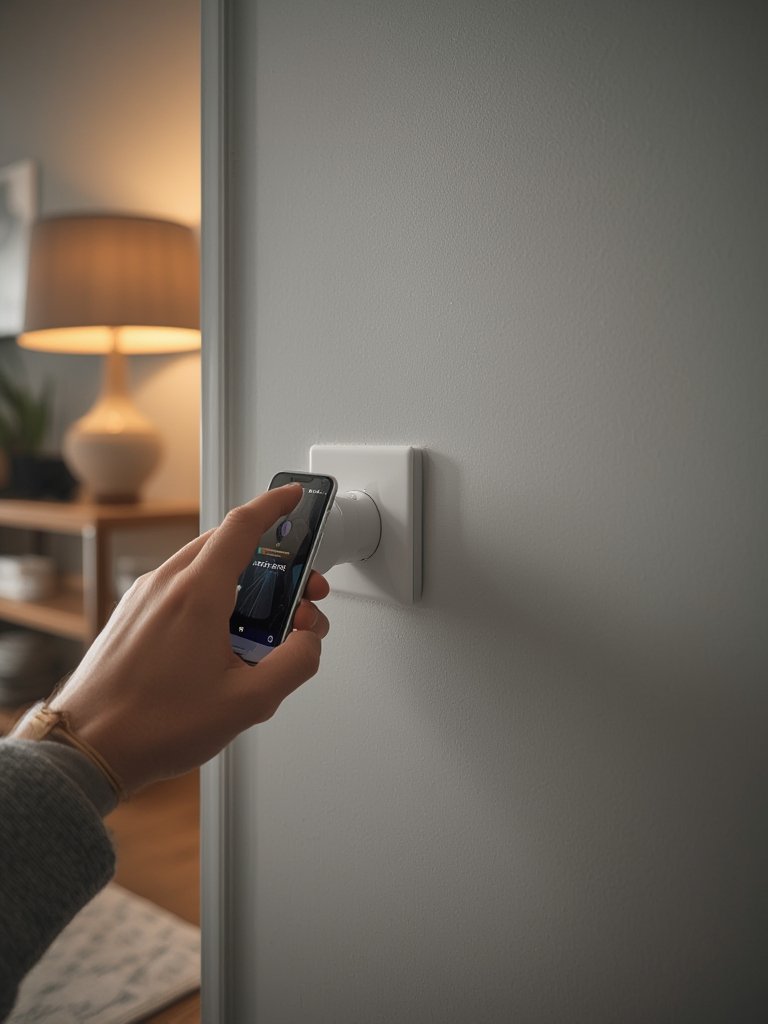
Use your own Wi-Fi network for all personal devices. Avoid smart tech that requires access to a shared, building-wide IoT network if you want privacy and control. Consider upgrading your router if your apartment has signal dead spots—this benefits both smart gadgets and streaming devices like the Roku Stick.
4. Setup & Test
Follow the manufacturer’s app instructions. Many devices are up and running in ten minutes or less. Test automation routines during different times (eg: schedules for lights, cameras activating when you leave). Using rental-friendly décor, such as Peel Wallpaper and Privacy Film, enhances privacy and style alongside your smart hardware.
5. Consider the Costs
Most smart devices sell for $25–$200 depending on quality and features. Expect potential ongoing subscription charges: $3–$10/month for cloud camera storage, $1–$5 for advanced automations, or bundled “premium” support if you want features like 24/7 monitoring. According to surveys, over half of US renters would pay $20 or more monthly for things like smart thermostats and security—if it’s included in rent or billed separately.[source]
Advanced Analysis & Common Pitfalls
Not all smart home devices for apartments are plug and play—or problem free. Here are the most common issues facing renters, and real-world solutions.
| Challenge | How It Impacts Renters | Best Solution/Alternative |
|---|---|---|
| Installation Restrictions | Landlords may ban drilling, rewiring, or “permanent” upgrades | Use adhesive or battery-powered gadgets; stick to portable devices like antimicrobial peel stick tiles for upgrades |
| Limited Wi-Fi/Network Sharing | Shared or weak Wi-Fi can cause device drops or lag | Install your own secure Wi-Fi, choose devices tolerant of slow speeds |
| Privacy & Security Concerns | Risk of landlord/device vendor accessing footage or data | Buy from reputable brands with robust encryption; use 2FA and local storage settings |
| Device Compatibility | Not all gadgets “talk” across brands or work on the building network | Pick devices supporting common platforms like Alexa, Google Home, or Apple HomeKit |
| Warranty & Damage Disputes | Device failures or minor wall damage may cause conflict at move-out | Photograph all installations, save receipts, stick to removable products; check for “renter warranty” options |
| Subscription Fees | Unexpected recurring costs for video storage or extra features | Read the fine print before purchase; compare lifetime vs. monthly costs |
| Personalization Limitations | Property-managed tech may limit what and how you can control | Favor resident-owned devices you can reset and fully customize |
If your apartment is managed by a company rolling out its own system (like bulk energy monitoring or security), ask for opt-out or a written privacy policy. Some multifamily setups offer basic features but lock down full access or hand over usage data in ways renters often aren’t told upfront.[source]
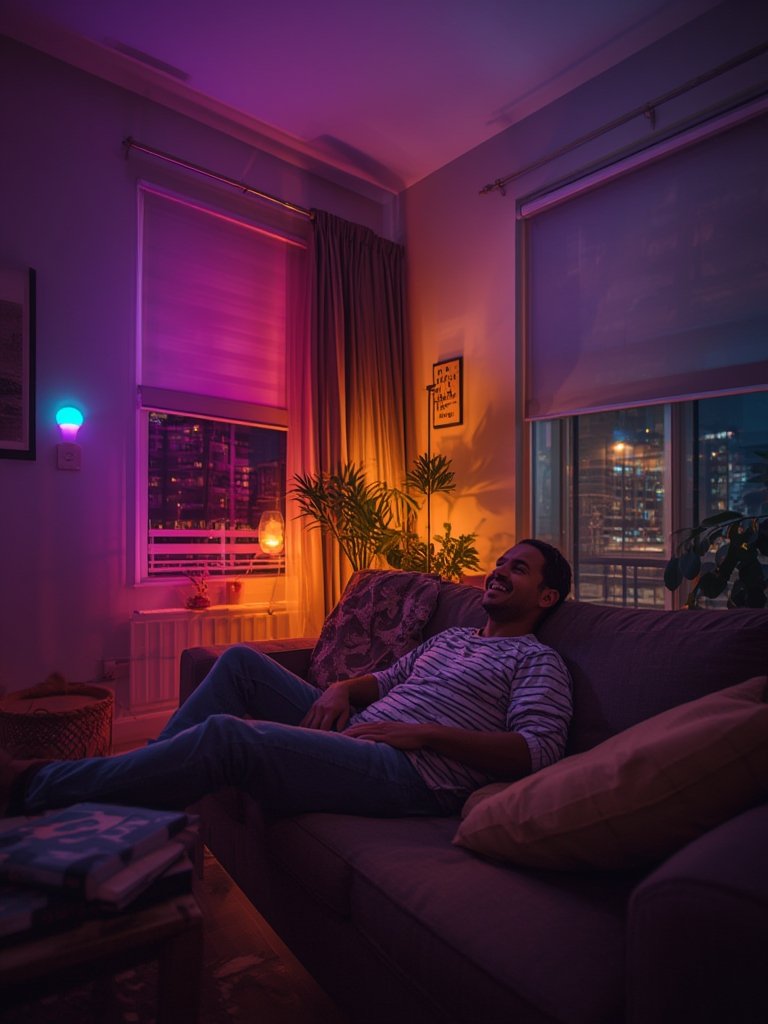
Renters also face quirks: for example, smart thermostats that require a “C wire” aren’t usually compatible with older apartments. Improvised solutions exist, but always get landlord approval. For simple room makeovers, check out rental-safe upgrades such as Princess Decals or Mixed Metal Peel Stick Tiles. These can add instant style with no risk to your deposit.
Compared to houses, apartments carry extra red tape and fewer chances for integrated whole-home automation, but they’re outpacing single-family homes in growth and innovation rate. AI-enabled plugs, smarter energy dashboards, and “move-in, move-out ready” gear are gaining fans in 2024.[source]
Conclusion
Getting the best out of smart home devices for apartments means balancing convenience, privacy, and property rules. The latest renter-friendly gadgets are non-invasive, portable, and increasingly powerful—but you must research each one to avoid headaches at move-out. If you stay flexible, choose your devices carefully, and watch for new energy or security tech, your apartment can feel as modern as any house—with none of the permanence landlords fear.
Ready to level up your space? Start with smart home devices for apartments that offer real convenience, easy removal, and peace of mind. Compare options today and enjoy your smarter rental tomorrow.
FAQ Section
Do smart home devices for apartments require drilling or permanent changes?
Most apartment-friendly smart home devices are plug-in or use adhesive, so you won’t need to drill or make permanent modifications. Check your lease and device instructions to ensure landlord approval.
What are the most popular smart devices for apartments in 2024?
Smart plugs, battery-powered security cameras, wireless keyless entry pads, and smart bulbs top the list. Devices that include peel-and-stick installation are also trendy among renters.
How can I protect my privacy with smart home devices in my rental?
Select devices from established brands with two-factor authentication and strong data policies. Use your own Wi-Fi rather than shared building networks, and opt for gadgets that offer local (not only cloud-based) data storage.
Are there ongoing costs for apartment smart home tech?
Some devices have monthly fees for enhanced features like extra storage or monitoring. Many basic functions are free once you buy the gadget, so always check before committing to a subscription.
What happens if a smart device damages my apartment?
If you use removable setups and follow manufacturer guidelines, damage is rare. Always take photos after installation, keep receipts, and be ready to restore the apartment to its original state at move-out.
