

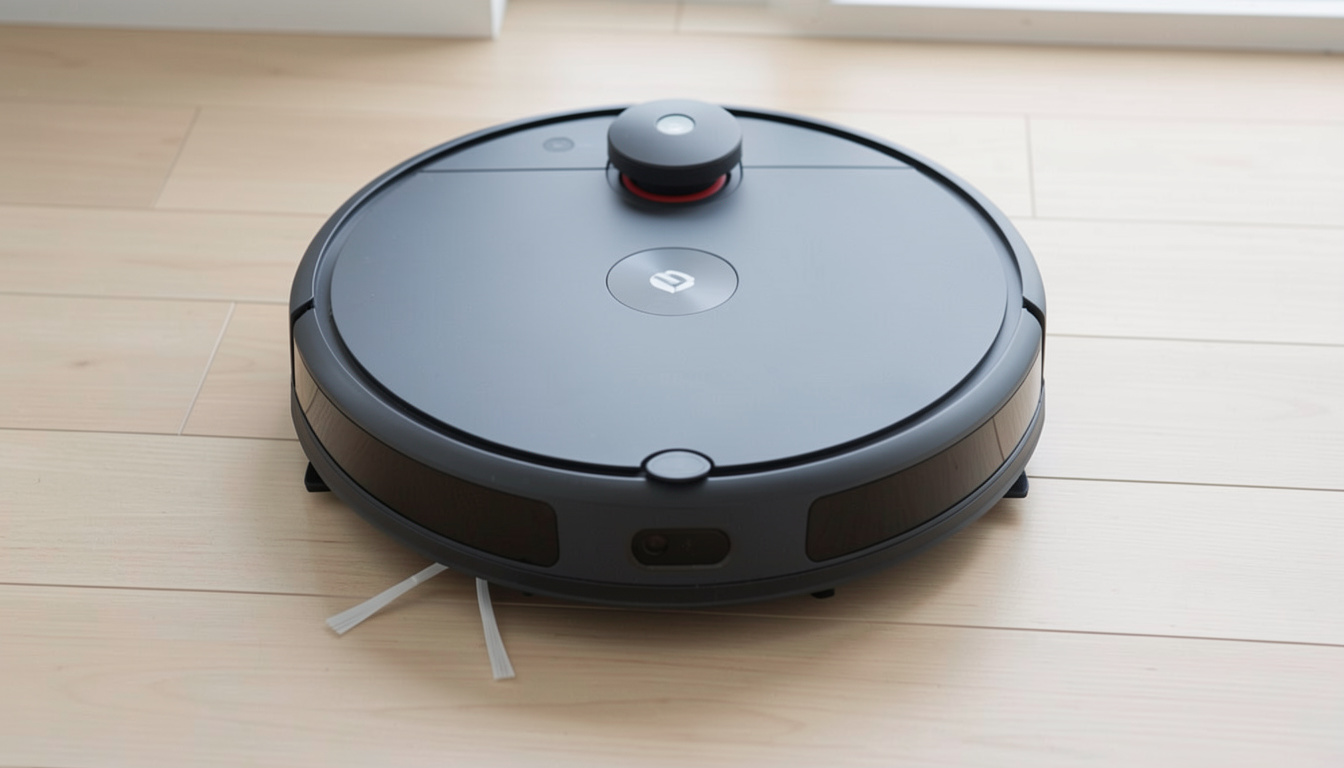
Robot vacuum mop with camera technology is reshaping how homes get cleaned, but it comes with major differences, real-world benefits, and some unexpected challenges compared to traditional models. Here’s what you need to know—based on 2024’s research, extensive lab data, and real user feedback—if you want the facts before upgrading.
Key Takeaways
- Camera-equipped robot vacuum mops offer smarter navigation and more “intelligent” cleaning, but bring privacy, cost, and some mechanical drawbacks.
- Top-end models blend LiDAR with cameras for best results, while budget robots still skip mapping completely.
- Privacy controls, lighting needs, and accurate floor plans are frequent user pain points—understand these before you buy.
- The Core Concept: What Is a Robot Vacuum Mop With Camera?
- Step-by-Step Guide: How to Choose and Use a Robot Vacuum Mop With Camera
- Advanced Analysis & Common Pitfalls
- Conclusion
- FAQ
The Core Concept: What Is a Robot Vacuum Mop With Camera?
A robot vacuum mop with camera combines three cleaning tools in one: a vacuum, a mop, and AI-powered navigation using one or more cameras. The camera—usually an RGB or 3D depth sensor—lets the robot see its surroundings, recognize objects, map your floor, and avoid common hazards like cables, shoes, or pet messes. High-end robots often pair that camera with LiDAR for more reliable scanning in all lighting conditions.
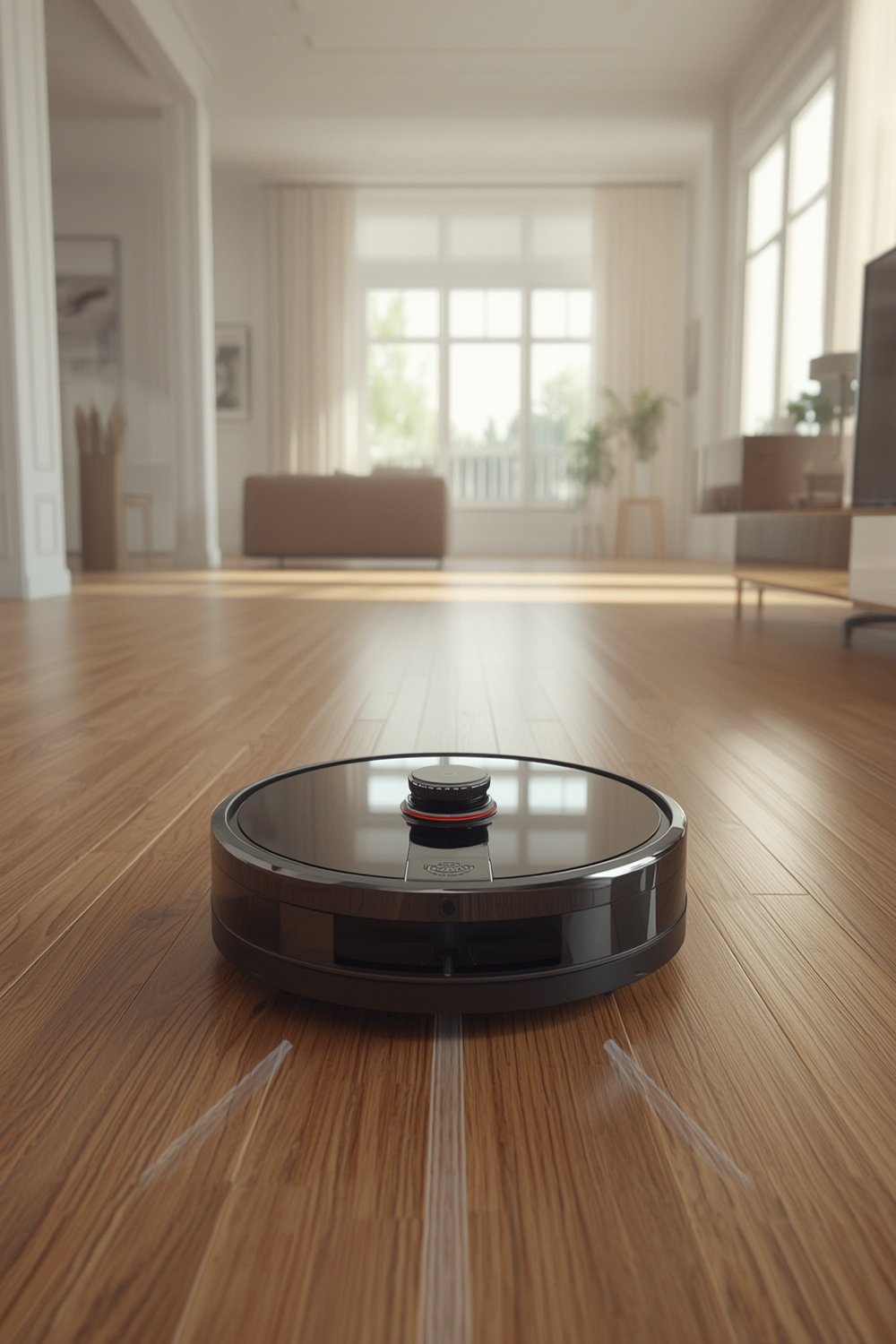
Most 2024 flagship robo-mops (over $1,000) feature camera navigation, while affordable robots still use simple sensors or bumping logic, missing most “smart” features. Camera-based navigation brings more accurate mapping, adaptive mopping (like re-cleaning dirty spots), and advanced obstacle avoidance. However, it also raises user concerns about indoor cameras, cloud data, device height, and maintenance costs.
Step-by-Step Guide: How to Choose and Use a Robot Vacuum Mop With Camera
- Define Your Floor Plan and Privacy Comfort Level.
Walk through your home. List tricky areas: pet bowls, cables, heavy traffic, dark corners, glare-prone tiles, and carpets. Decide: Is live camera streaming a deal-breaker, or are you OK with some app connectivity? - Set a Realistic Budget.
Camera-LiDAR flagship combos run $1,100–$2,000+ (TechGearLab, 2024). No-name mapping units can cost under $300 but lack vision smarts. The best compromise for most busy homes is a midrange LiDAR or hybrid vision model. - Compare Key Camera Features—NOT Just Megapixels.
Look for robots with “AI obstacle recognition” (not just a front camera), LiDAR or 3D sensors, and privacy toggle in the app. Prioritize features like dirt mapping, zone customization, and precise no-go lines, which only some camera units actually deliver. - Check Height, Dock Size, and Floor Clearance.
Many camera mops are too tall for standard sofas or small apartment layouts. Confirm robot and dock specs against your tightest space. If you need accessible, removable décor, see Peel Stick Backsplash ideas. - Optimize for Lighting and Clutter.
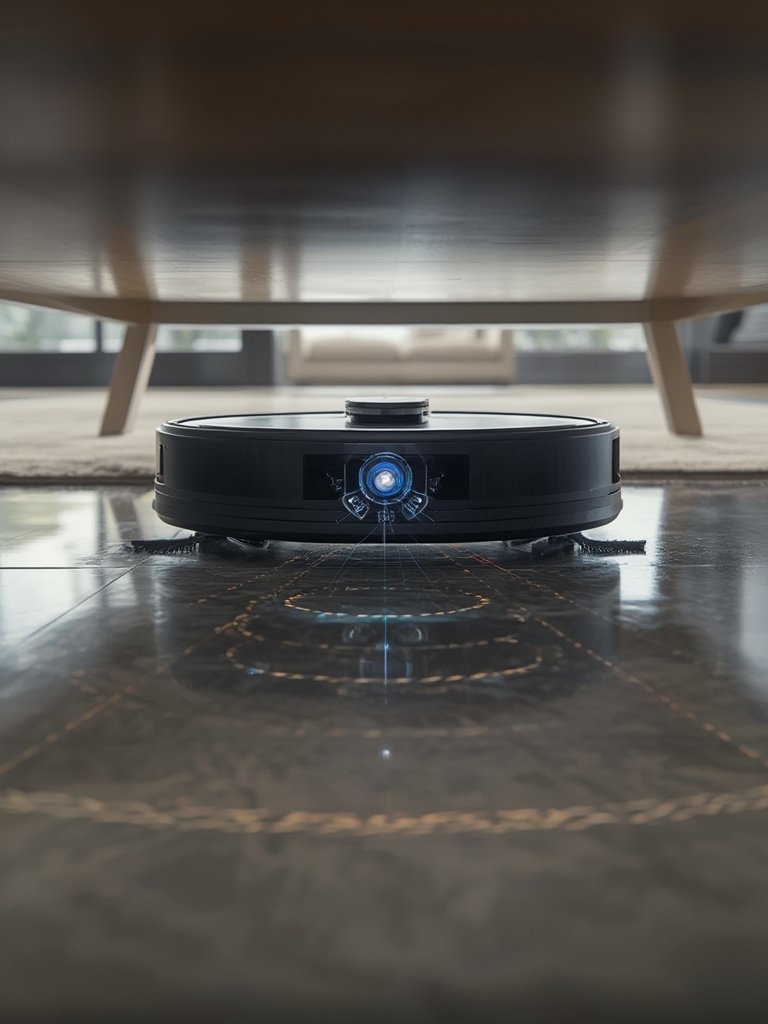
Camera navigation needs at least dim room lighting. Remove small loose items from floors, especially cables, to avoid vision errors. Place the dock where there’s enough light and good WiFi signal. - Review App Permissions and Privacy Controls Immediately.
Disable unnecessary live-view/pet-cam features unless you need them. Set strong cloud account passwords and review manufacturer privacy policies—AI training opt-outs are sometimes hidden in settings. - Schedule First Clean in Daylight and Supervise.
Stay home for the first run. Watch for mapping errors, stuck spots, or cloud permission pop-ups. Make adjustments in the app if it splits rooms incorrectly, or fails to mark carpets as protect zones. - Monitor Ongoing Performance, Consumables, and App Updates.
Track when mops or pads and filters get lost or dirty, as camera models may alert you based on vision, not time. Keep firmware up to date—but note some AI bugs may temporarily appear after major releases. - Budget Long-Term Costs and Explore DIY Fixes.
Plan for $60–$180/year for pads and filters; more if using branded cleaning fluid. For high-use homes, keep a backup battery or pad set. For hygiene upgrades that require less cleaning, consider antimicrobial peel stick tiles alongside robot mopping.
For day-to-day operation, high-end camera mops easily outperform random-path or simple bump models in coverage, edge cleaning, and visible dirt detection—but only if you do the setup and lighting needs right. If you want creative, low-effort upgrades to style up your space (no robot required), explore LEGO Bamboo décor for a unique touch.
Advanced Analysis & Common Pitfalls
Even the smartest robot vacuum mop with camera technology isn’t flawless. Here’s where things often break down—and how camera models stack up versus non-camera robots.
Common Pitfalls (Based on 2023–2024 Lab Tests and User Feedback)
- Lighting Dependency: Visual systems need ambient light. In low-light or fully dark rooms, camera navigation may fail—robots hesitate, miss objects, or switch to basic collision behavior.
- Edge Recognition & Corner Cleaning Still Imperfect: Circular robots (camera or not) can’t hit inside corners perfectly, and cameras don’t help with crumbs next to baseboards.
- Privacy Worries: Many users dislike the idea of a roaming indoor camera, especially if apps require cloud logins or default to live view. Vendor privacy policies are often vague about retention and third-party access (TechGearLab).
- Mapping Drift After Layout Changes: Moving furniture, closing doors, or relocating docks can corrupt maps, forcing remapping runs; non-camera LiDAR-only units struggle less with these errors.
- Obstacle ID Fails in Real Homes: While standardized tests can show 100 percent avoidance for socks and cables (YouTube camera mop reviews), thin black cords and new object types can confuse AI vision.
- Height & Dock Bulk: Camera-equipped robot mops tend to be taller and need more space for their dock, which can be an issue in tight hallways or under built-in shelves.
- Maintenance Costs: Consumables (pads, branded cleaning fluid, battery) can run two to four times higher than on simpler, non-mopping or gyro units (Comparison video).
- Software Glitches: Vision AI increases firmware complexity—app slowness, map stalling, and the need to reset robots (especially after big updates) are all frequent user complaints.
Comparison Table: Camera+LiDAR vs LiDAR-Only vs Basic Sensors (2024)
| Feature | Camera + LiDAR (High-End) |
LiDAR-Only (Midrange) |
Gyro/Bump/Random (Budget) |
|---|---|---|---|
| Coverage Rate (Lab) | 90–92% | ~87–90% | 65–80% |
| Obstacle Avoidance | AI recognition—detects cables, bowls, pet messes | Good for walls/furniture, poor for small objects | Often collides; no fine avoidance |
| Privacy Controls | App toggles (quality varies) | Usually no camera—N/A | N/A |
| Edge Cleaning | Better, but still not perfect | Good in regular rooms | Poor |
| Map Recovery After Changes | May require remapping | More stable | No mapping—N/A |
| Annual Consumables | $60–$180+ | $30–$90 | $10–$40 |
| Best For | Larger, dynamic, “tech-comfy” homes | Mid-size, privacy-focused users | Dorms, price-first shoppers |
If you’re planning a wider home makeover, high-end robots go well with newer quick-change décor like peel wallpaper or mixed metal peel stick tiles for easy updates, since neither interfere with mapping.
Conclusion
Robot vacuum mop with camera models transform cleaning efficiency and obstacle avoidance, but require a thoughtful approach: weigh lighting needs, mapping quirks, recurring costs, and privacy settings. They work best in mixed-medium, open-plan homes with regular clutter but require more setup than simple robots. For some, non-camera LiDAR units may offer most of the benefit without the concerns. If you want the highest precision and convenience—and can handle a little technical setup and oversight—a camera-based model is the clear winner.
Curious what else can improve home cleaning or décor on a real-world budget? Explore options like peel and stick backsplashes and DIY-friendly antimicrobial tile guides for further inspiration.
Ready to try smarter floor cleaning or have more questions before you buy? Research, compare, and choose the robot vacuum mop with camera that fits your home and privacy expectations.
FAQ
Do robot vacuum mops with cameras store video or photos of my home?
Most modern robots process images for navigation directly on the device, not in the cloud. However, enabling features like live-view or photo logs may send data to your app. Check privacy controls for your brand. Data for mapping is usually anonymized, but some vendors use cloud backup for maps.
What if my house is dark or I run the robot at night?
Camera-based robots operate best with moderate lighting. In very dark rooms, they may fail to recognize obstacles or create incomplete maps. Some models use LEDs to help—but reflections or shiny floors can confuse the system. For night running, consider models that use both LiDAR and cameras.
Can camera mops handle pet hair and pet accidents safely?
Advanced AI robots are much better than past generations at recognizing pet waste and tangles, but no robot is 100 percent reliable. Thin cords or hidden messes can still trip up even flagship models. Always supervise new robots during the first few cleans in pet zones.
Are there ongoing costs with camera-equipped mop robots?
Yes. Consumables like mop pads, filters, and branded cleaning solution are higher than standard robots. Plan for $60-$180 per year for parts, plus possible battery replacements. App subscriptions are usually optional, not required.
Do any camera mops respect privacy better than others?
Some brands are more transparent about privacy, letting you disable live-view features or keep data only on the device. Look for models with granular app permissions, GDPR/CCPA compliance, and clear data retention statements.
—
