

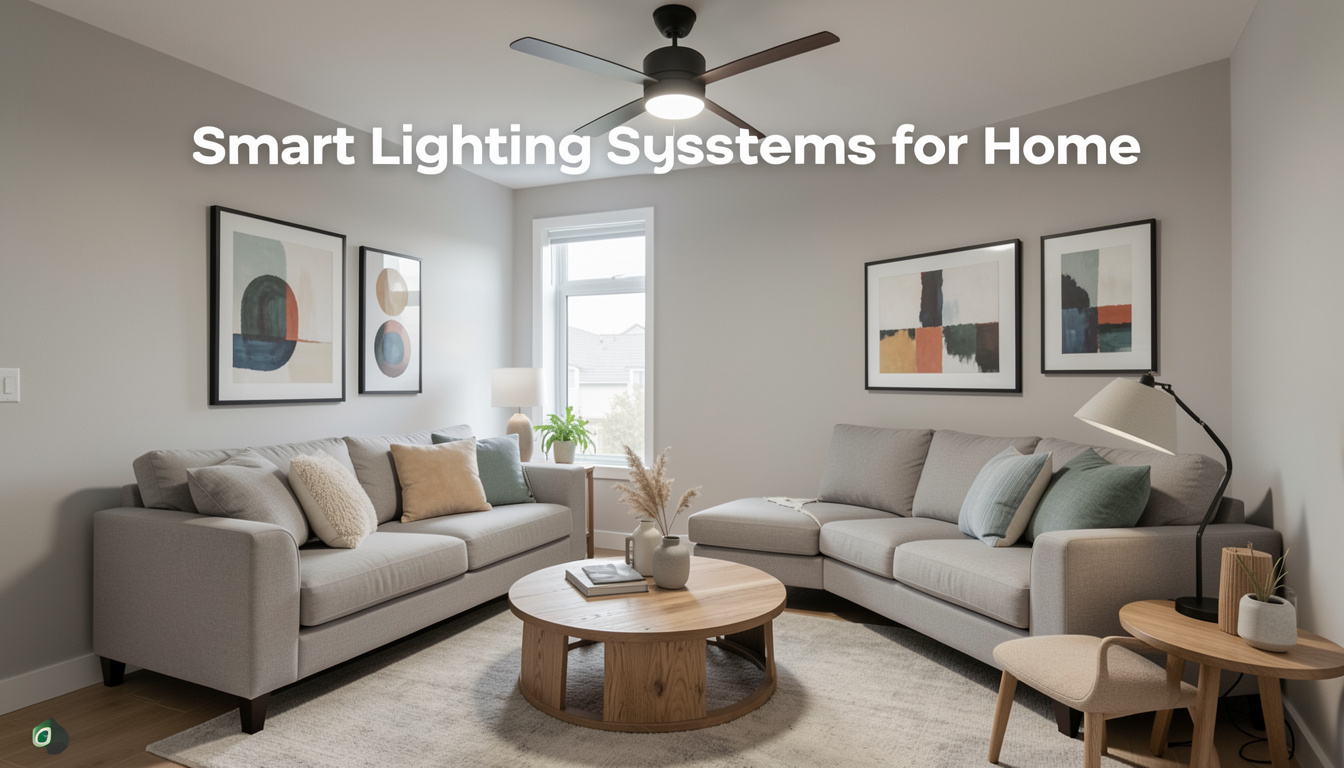
Smart lighting systems for home are changing the way we control and experience household lighting, marrying convenience with energy savings and customization. Whether you’re looking for improved ambiance, automation, or boosting your home security, installing smart lights can make your living space safer, more welcoming, and a lot more efficient. Here’s the truth about what’s possible in 2024—plus what problems you might run into, based on real data.
Key Takeaways
- Smart lighting system adoption in homes is accelerating rapidly, with over 700 million households projected to use these solutions by 2029.
- High upfront costs and device compatibility issues are the most common challenges for homeowners aiming to build a seamless smart lighting setup.
- Most top-tier wifi smart lights now work with Alexa, Google Home, and Apple HomeKit, but comparing ecosystems before buying remains essential.
- What Are Smart Lighting Systems for Home? And Why Use Them?
- How to Set Up Smart Lighting Systems for Your Home: A Practical Guide
- Advanced Analysis & Common Pitfalls of Smart Lighting for Homes
- Conclusion
- Frequently Asked Questions
What Are Smart Lighting Systems for Home? And Why Use Them?
Home smart lighting systems are connected lighting solutions that allow you to control the brightness, scheduling, and even color temperature of your home’s lights remotely, typically via a mobile app or voice assistant. Major systems, like Philips Hue, LIFX, and TP-Link Kasa, operate through wireless protocols like WiFi, Zigbee, or Bluetooth, which enable features such as:
- Remote on/off control using a phone app
- Automatic scheduling based on time of day or occupancy
- Customizable color and dimming options
- Integration with smart home ecosystems, including Alexa, Google Home, and Apple HomeKit
Why do people invest in smart lighting? The main motivators are energy efficiency, improved convenience, better security through automation, and the ability to personalize lighting for mood or occasions. According to Precedence Research, indoor smart lighting held 66% of the market in 2024, with strong growth driven by tech-savvy homeowners and renters wanting automated, secure, and energy-efficient homes. In the US, increased IoT adoption and the availability of compatible products make smart lights one of the easiest smart home upgrades.
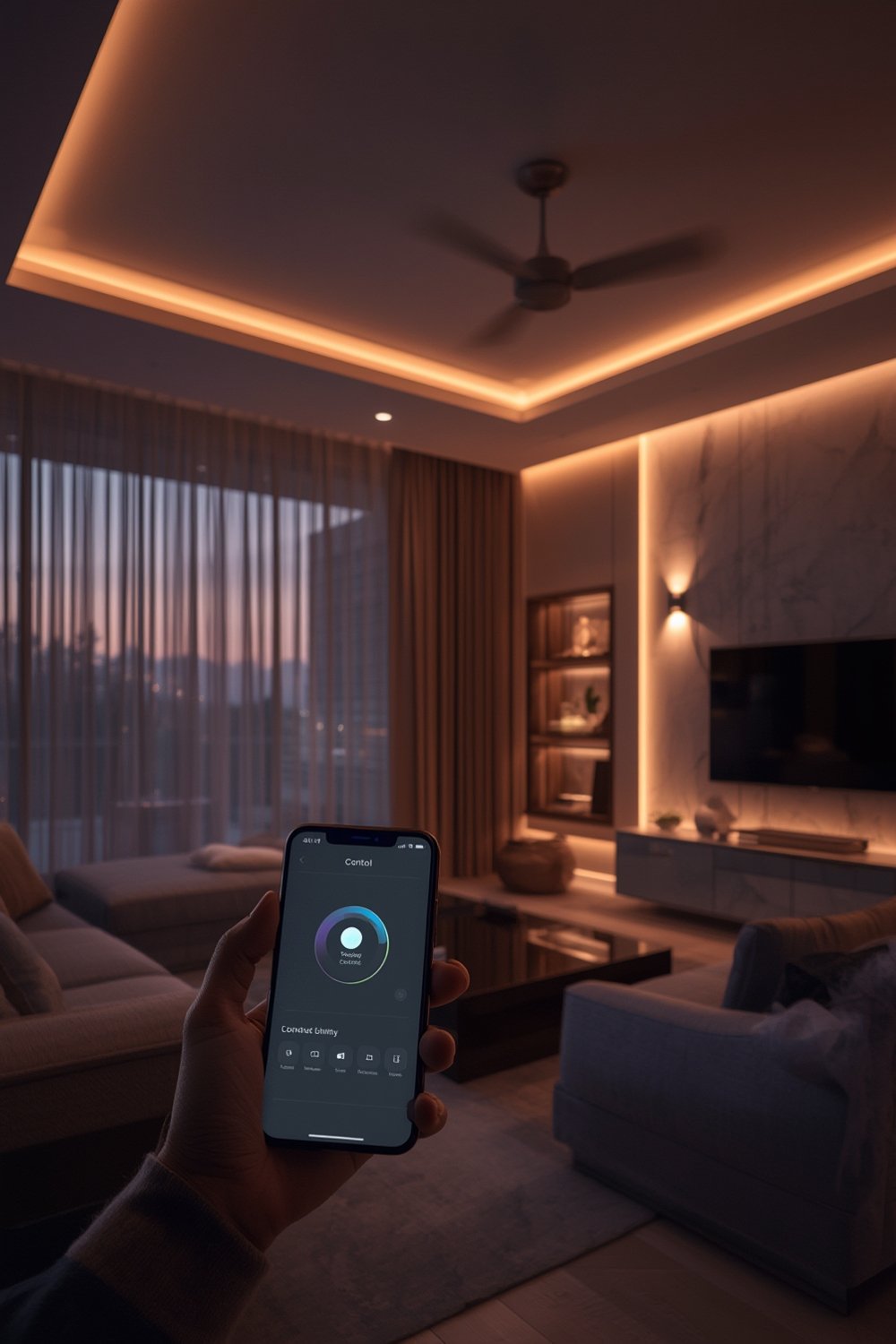
How to Set Up Smart Lighting Systems for Your Home: A Practical Guide
- Audit Your Home Lighting Needs. Identify which rooms or fixtures you want to automate. Start with high-traffic or hard-to-reach areas. Write down the type of bulbs currently installed (screw, bayonet, GU10, etc.).
- Research Compatible Smart Lighting Brands. Compare the main ecosystems like Philips Hue (uses Zigbee, requires a hub for full features), LIFX and TP-Link Kasa. Cross-check their compatibility with your smart assistants—Alexa, Google Home, or HomeKit.
- Purchase the Right Smart Bulbs and Accessories. Buy enough smart bulbs, light strips, and any required hubs. Don’t forget about smart switches if you prefer physical controls.
- Download the Manufacturer’s App. This will be the command center for your lighting. Create an account and connect it to your WiFi.
- Install Bulbs and Accessories. Replace your existing bulbs with the new smart bulbs. Follow the in-app instructions for pairing.
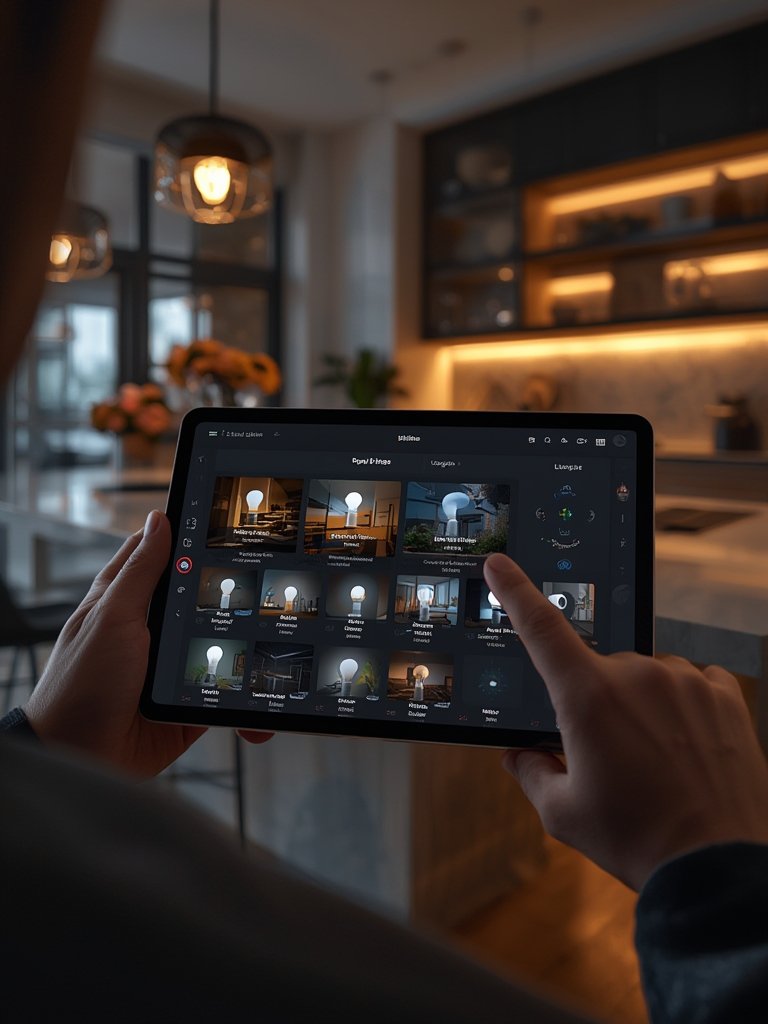
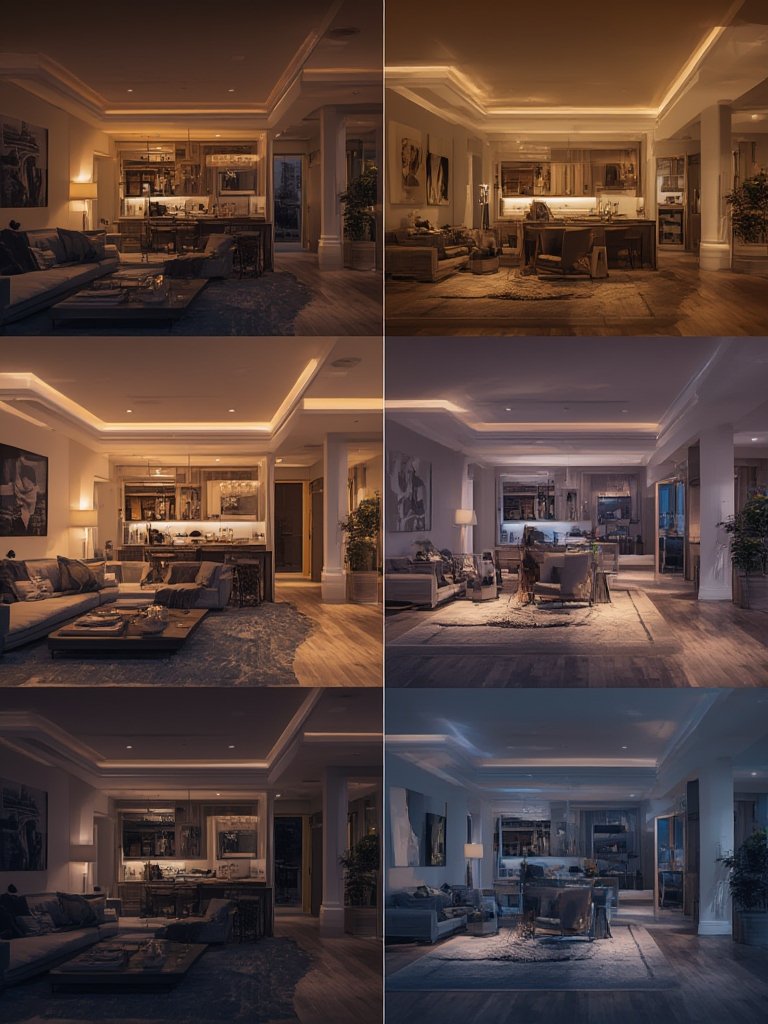
- Set Up Groups, Scenes, and Schedules. Group lights by room, set up scenes for different moods, and automate schedules for waking up, leaving home, or bedtime.
- Integrate With Other Smart Home Devices. Link your system to your chosen voice assistants and other devices for cross-platform routines (e.g., lights on when the video doorbell detects motion).
Looking to refresh your home’s vibe before adding smart lights? Try a quick DIY update with a Peel Stick Backsplash for instant impact in kitchens and baths—no contractor needed.
Advanced Analysis & Common Pitfalls of Smart Lighting for Homes
Before you jump in, it’s crucial to know the realistic challenges based on industry research and what real-world users report:
- High Installation & Upfront Costs: Smart lighting systems can require significant initial investment for bulbs, hubs, and compatible switches. According to Global Market Insights, high costs hold back up to 18% of potential market growth.
- Compatibility & Platform Lock-In: Not all bulbs and accessories work together. Lack of a universal protocol means that mixing brands might cause headaches—or force you to juggle multiple apps.
- Connectivity & App Reliability: WiFi and Zigbee bulbs are sensitive to router range and network congestion. Some users report frequent disconnects, lagging response, or unreliable app updates that break automation—especially after firmware updates.
- Incomplete Smart Assistant Integration: Even though most new systems claim Alexa, Google Home, and HomeKit compatibility [see source], feature parity varies. For example, some color settings work only with one platform, or not all functions are triggered by voice directly.
- Ongoing Maintenance & Returns: Bulbs occasionally fail and require firmware updates; returns or warranty support can be slow depending on the brand. Many major brands don’t list detailed warranty conditions or customer support hours transparently online.
| Pitfall | Impact | How to Avoid |
|---|---|---|
| High upfront costs | Restricts upgrades, slows adoption rate | Start with a single room and scale up over time |
| Compatibility issues | Fragmented control, extra apps, frustration | Buy bulbs, hubs, and accessories from the same brand |
| App reliability/connectivity | Lights may fail to respond to commands | Place hubs/routers centrally; keep software updated |
For related DIY tips on turning bland rooms into energy-efficient spaces with minimum hassle, see our guide on antimicrobial peel stick tiles that upgrade bathrooms and kitchens in a few hours for much less.
Conclusion
Smart lighting systems for home have become one of the most impactful ways to modernize spaces, reduce energy costs, and harness automation. While the benefits are real—especially as adoption rates soar past 700 million homes by 2029—pitfalls like high initial costs and inconsistent compatibility can’t be ignored. By starting small, choosing a major ecosystem, and planning for future upgrades, you can build a smart lighting solution that pays off for years. Ready to make your home more brilliant? Explore your options, check device compatibility, and brighten up your life with the right smart lighting products.
Want to boost your home’s style as you automate? Don’t miss our tips for adding personality with LEGO Bamboo home décor or trendy Princess Decals for a smartly styled finish.
Frequently Asked Questions
How much does it cost to install smart lighting systems for an average-sized home in 2024?
There is no published exact figure. Expect upfront costs to vary based on the number of bulbs, fixtures, and whether you need a dedicated hub. High installation cost is the most common complaint. Most households start with just a few rooms and expand over time.
Which smart lighting systems are easiest to set up for beginners?
WiFi-based bulbs like LIFX and TP-Link Kasa tend to require less setup, as they don’t use a separate hub. App setup is typically straightforward, and most brands provide detailed in-app walkthroughs.
Do smart bulbs work with regular wall switches?
Yes, but turning off a traditional wall switch will cut power and disconnect the smart bulb from your network. It’s best to use smart switches or keep physical switches turned on for proper automation.
Can I control smart lighting remotely when I’m not at home?
Yes. As long as the smart lights are connected to your home WiFi and the manufacturer’s cloud service, you can control them from anywhere using the app or a voice assistant.
Are smart lighting systems secure from hacking?
Most reputable brands use encrypted protocols and frequent updates, but no device is immune from vulnerabilities. Use strong WiFi passwords, keep firmware updated, and only install trusted apps.
