

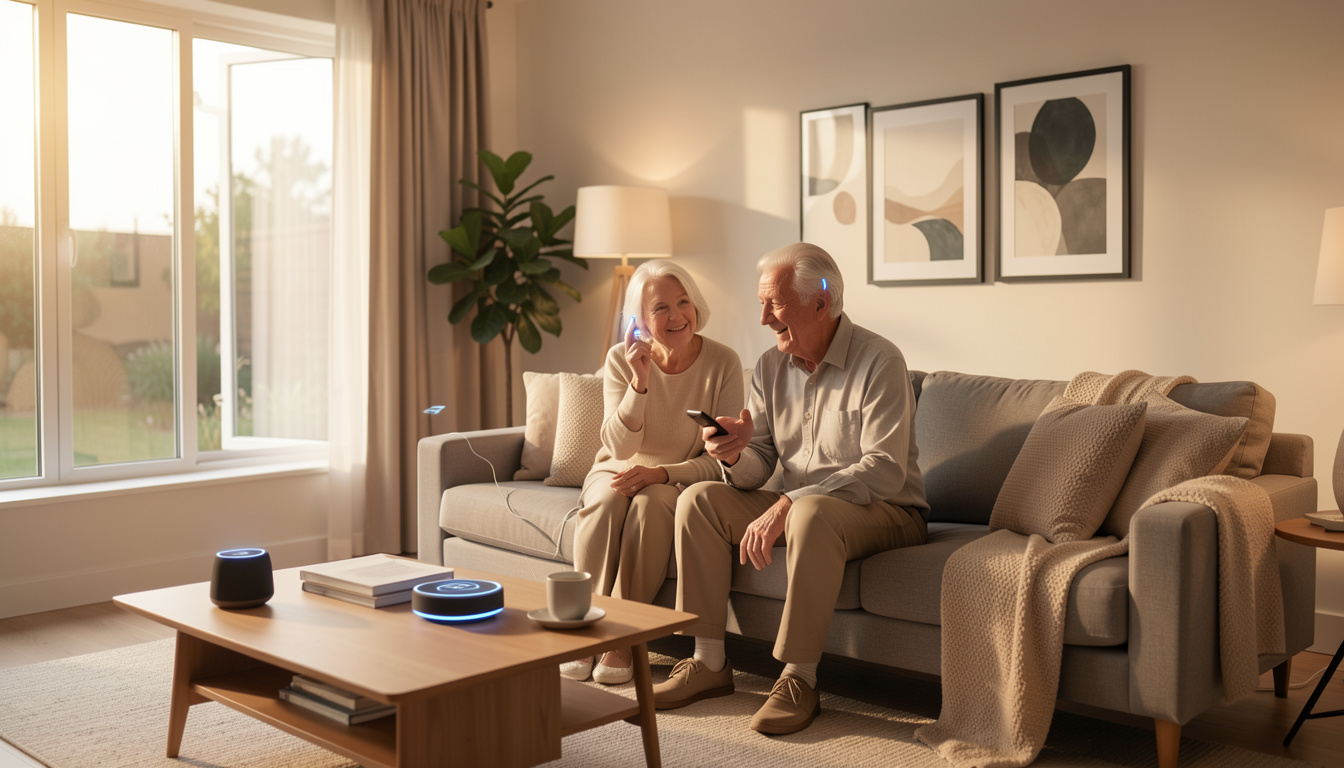
Smart home devices for elderly are transforming how older adults live safely and independently at home. But is this technology as simple and reliable as promised—and what should families actually expect?
Key Takeaways
- Adoption rates for smart home devices among elderly are rising but still lag behind younger groups due to concerns about accessibility, affordability, and usability.
- Common barriers include complicated interfaces, health-related limitations, setup challenges, and perceived lack of daily relevance.
- Integrating devices that address real needs, offer voice control, and require minimal maintenance will improve safety and quality of life for seniors at home.
- What Are Smart Home Devices for Elderly and Why Do They Matter?
- How to Choose and Set Up Smart Home Devices for Elderly: Step-by-Step
- Advanced Analysis and Common Pitfalls
- Conclusion
- FAQ
What Are Smart Home Devices for Elderly and Why Do They Matter?
Smart home devices for elderly include sensors, wearables, voice assistants, fall detectors, emergency systems, and other connected tech that help older adults live independently with less risk. Unlike general smart home gadgets, these products aim to solve challenges like forgetting to turn off appliances, responding quickly to emergencies, and managing daily routines despite declining mobility or memory.
Why does this matter now? In 2024, the global elder care smart home market hit USD 7.2 billion, growing with advances in AI and IoT. North America leads adoption, with technology and policies focused on safer aging-in-place.[source] Despite this growth, elderly-specific adoption remains significantly lower than the overall market. Many US adults 50+ own smartphones or tablets, but only 47 percent use smart home tech in 2024—down slightly from the previous year.[source]
The right technology can reduce accidents, make daily living easier, and provide peace of mind for families. However, the best smart home devices do more than just automate—they fit seamlessly into routines, adapt to health changes, and stay usable as needs evolve. For those seeking other helpful home solutions, check out these easy upgrades like the Peel Stick Backsplash for accessible, renter-friendly décor updates.
How to Choose and Set Up Smart Home Devices for Elderly: Step-by-Step
- Identify Real Needs and Priorities: Talk with the elderly user and caregivers to determine which daily struggles matter most—falls, medication reminders, door security, or lighting at night?
- Research Device Options: Search for products with proven track records. Look for IoT/AI-enabled devices that boast simple interfaces, clear voice prompts, and large displays or buttons when possible.
- Consider Compatibility: Select devices that work together. For example, a fall detection wearable that can trigger a smart speaker to call for help, or a health monitor that logs data for remote caregivers. Device interoperability is key.
- Evaluate Accessibility: Look for products with voice control and visual alerts. Physical switches or remotes with tactile feedback can help those with limited mobility or reduced vision.
- Check Installation and Support: Choose systems with detailed user guides, online tutorials, or customer support. Whenever possible, arrange for professional setup or ask family/friends for help to reduce frustration.
- Test and Adjust: Set up one or two devices at a time. Have the elderly user practice interacting with each for everyday tasks (e.g., asking a voice assistant to turn on lights or remind about medication).
- Review Privacy and Security Settings: Set strong passwords, enable two-factor authentication, and review privacy options so data is not needlessly shared with third parties.
- Monitor Usage and Update as Needed: Regularly check devices for updates, battery life, or signs of malfunction. Swap or enhance devices as needs change.
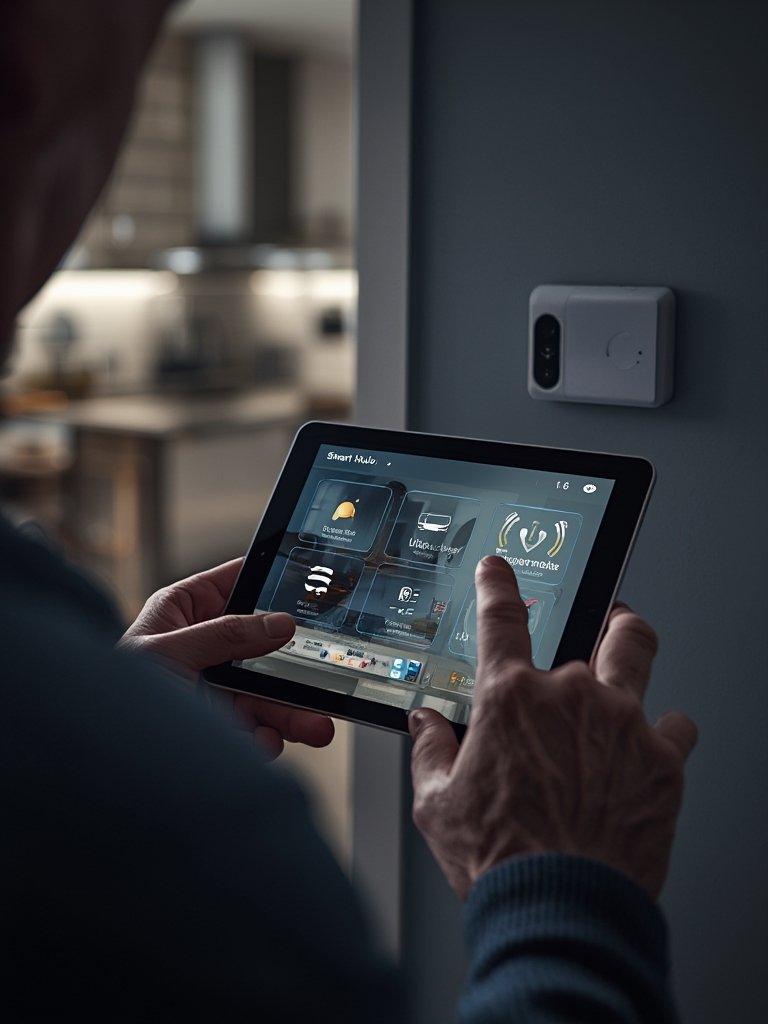
If you’re updating other rooms for accessibility or simple DIY improvements, products like LEGO Bamboo can blend mindful décor with practicality and low maintenance, complementing smart device upgrades.
Plan ahead for ongoing maintenance. Devices may lose Wi-Fi connectivity, need firmware updates, or require battery replacements—regular checks prevent emergencies from being missed.
Advanced Analysis and Common Pitfalls
Despite impressive growth, widespread use of smart home devices for elderly is limited by real-world obstacles. Here are the biggest issues you’ll likely encounter—backed by research:
- Affordability: A 2021 survey in China found only 1.3 percent of older adults were very willing to pay for assistive tech, with 37.7 percent outright unwilling. Low income and high device prices deter uptake.[source]
- Perceived Irrelevance: Many elderly do not see the benefit if tech doesn’t directly solve an actual need—like reducing falls or aiding memory.[source]
- Usability Concerns: Complex apps, small text, confusing controls, or required smartphone pairing can all be blockers, especially for users with arthritis, vision decline, or cognitive limitations.
- Health Barriers: Chronic issues (insomnia, mobility loss, or dementia) impact a person’s ability to interact with new devices and form new tech habits.
- No Standardization: Devices often don’t speak to each other. Lack of interoperability means you might need multiple hubs or remotes, leading to confusion and disuse.
- Setup and Maintenance: Most devices are marketed as “plug and play” but real-world experiences vary—a missed Wi-Fi step or a dead battery can make a device useless until someone notices it’s offline. Ongoing support is often lacking.
- Privacy and Security: Many families overlook settings and permissions, which can lead to unintended data sharing or vulnerabilities to online threats.
| Aspect | General Smart Devices | Elderly-Focused Devices |
|---|---|---|
| Ease of Use | Often requires setup via apps; small buttons/displays | Prioritizes large buttons, voice prompts, minimal interaction |
| Interoperability | High variability; not always compatible across brands | Tends to focus on closed systems or single-app control |
| Accessibility Features | Limited; not intended for vision/mobility impairments | Includes visual, audible, tactile cues |
| Support & Maintenance | Basic support; assumes tech-savvy user | May offer guided setup, family alerts, remote monitoring |
| Privacy/Security | Requires user action for setup/updates | Settings sometimes simplified or preset for safety |
Devices such as smart thermostats and security cameras are popular, yet many fail to address specific challenges faced by elderly users—such as decreased reaction time or hearing loss. Voice assistants may help, but research finds efficacy for users with sensory/cognitive impairments is not well-studied.[source]
For home environments needing quick privacy solutions, products like Privacy Film add another layer of accessible, DIY-friendly safety.
Remember, even highly rated devices may require frequent updates or troubleshooting. Prepare to involve family or professional support for ongoing maintenance, especially as health needs and cognitive abilities change.
Conclusion
Choosing and setting up smart home devices for elderly is not a one-time project, but an ongoing process that adapts to changing needs and technology. Adoption rates are rising, but elderly users still face genuine obstacles with cost, relevance, and usability. Focus on core needs, start simple, invest in interoperability, and revisit settings often to achieve the best results. For those considering additional smart upgrades, explore practical, low-hassle solutions like antimicrobial peel stick tiles or Roku Stick to complement your home’s safety and accessibility. Ready to get started? Choose one need, one device, and make the next step towards safer, more independent living today.
FAQ
What are the most useful smart home devices for elderly users?
The most valuable devices include fall detectors, emergency alert buttons, voice assistants, automated lighting, video doorbells, and health monitoring solutions that allow remote check-ins and medication reminders.
Are smart home devices safe for seniors with dementia?
Smart home devices can enhance safety but may be confusing or even distressing for users with moderate-to-severe dementia. Simplicity, caregiver support, and ongoing supervision are critical for effectiveness.
How can I ensure devices are easy for elderly relatives to use?
Look for products with large buttons, intuitive controls, prominent displays, and real-world voice prompts. Start slowly, demonstrate daily use, and clear away unused or redundant gadgets.
Do voice assistants really help those with hearing or vision impairments?
Research is still limited. Some users benefit from voice interaction, but others find it difficult, especially with hearing loss or cognitive decline. Combining voice control with visual/tactile cues gives best results.
Can smart home tech be added to rental apartments or non-owned homes?
In most cases, yes. Many devices are wireless and can be easily moved. For non-permanent improvements, consider renter-friendly options like peel wallpaper for décor, and wireless security or alert devices for immediate impact.
