

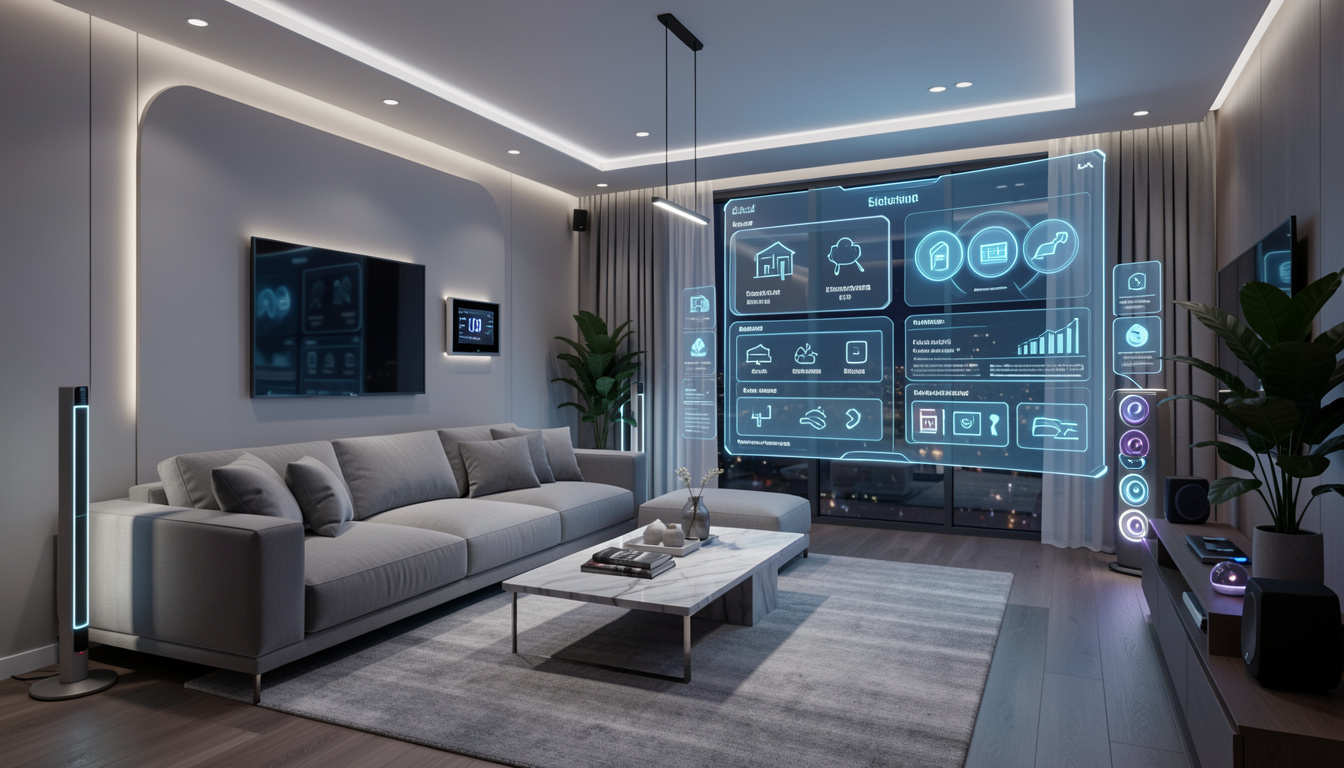
Smart home automation ideas are transforming daily living for millions, moving beyond novelty to practical must-haves. Whether you want energy savings, better security, or just less stress, the right automation setup can make life at home easier and more efficient.
Key Takeaways
- Smart home automation is driven by wireless technology and has seen explosive adoption in North America, with over 41% of US households onboard by 2024.
- Starting simple is best. Complexity, compatibility, and setup frustrations are common pitfalls for beginners.
- Most guides focus on lighting or security, but dozens of unique automation ideas can address daily challenges and routine tasks.
- What Is Smart Home Automation—and Why Bother?
- How to Get Started: A Realistic Step-by-Step Guide
- Advanced Analysis & Common Pitfalls
- Conclusion
- Frequently Asked Questions
What Is Smart Home Automation—and Why Bother?
Smart home automation means using connected devices to automate and control features around your home, like lights, security, climate, and more. The “smart” part comes from combining wireless technologies (like Wi-Fi, Zigbee, or Z-Wave) and mobile apps so you can schedule, automate, or even use voice controls for mundane tasks.

In 2024, about 41% of US households use smart devices in the home. Globally, smart home user numbers surpassed 422 million. Core benefits include:
- Convenience: Automate repetitive routines (lights, locks, temperature, and more) to save time.
- Security: Smart cameras and sensors deliver real-time alerts and remote access.
- Energy efficiency: Thermostats, plugs, and lighting help lower bills without extra effort.
Popular categories according to market data include cameras, doorbells, and hubs. Wireless retrofits make it easier (and often much cheaper) than full-scale rewiring. However, point solutions often mean multiple apps and brands are common, not seamless all-in-ones.
If you’re inspired to rethink your kitchen too, don’t miss this review on Peel Stick Backsplash—a quick, renter-friendly upgrade that pairs well with smart automation aesthetics.
How to Get Started: A Realistic Step-by-Step Guide
You don’t have to automate everything at once—starting with one goal or area is smarter. Here’s a five-step plan for beginners that avoids high costs and headaches.
-
List your top three daily annoyances or wants.
- Example: “I want the porch light to turn on at sunset,” or “I wish the coffee pot started right at 7:10 am,” or “I want alerts if a window is left open.” List these problems first—it’s how you avoid gadget overload.
-
Choose a smart home platform and stick to it (for now).
- Mainstream platforms: Google Home, Amazon Alexa, Apple HomeKit. Each has hundreds of compatible lights, sensors, plugs, and more.
- Pick one to reduce conflicts. If you want your TV setup to be just as easy, read this review of the Roku Streaming Stick for smart 4K entertainment automation tips.
-
Start with one device or a beginner “kit”.
- smart plugs are the ultimate low-risk test—plug them in, connect to Wi-Fi, control anything: lamps, fans, or coffee makers. Smart bulbs or starter camera kits are other good first steps.
- Look for certification: “Works With Alexa,” “Google Assistant Compatible,” or “Apple HomeKit.”
-
Follow the app’s setup process exactly—don’t skip firmware updates.
- Common frustration: Wi-Fi networks with both “2.4GHz” and “5GHz” channels may trip up some devices. Stick with 2.4GHz if possible.
- Don’t forget location permissions if you want geo-triggers (like “turn off all lights when I leave”).
-
Test an automation routine that solves a real problem.
- Add a schedule, trigger (e.g., sunset), or condition (e.g., only if you’re home).
- Don’t build complex routines right away—make sure each basic automation actually works as expected for a full week before adding layers.
- Enhance privacy where possible. If you’re looking for DIY privacy upgrades beyond automation, try adding Privacy Film to windows as part of your smarter home journey.
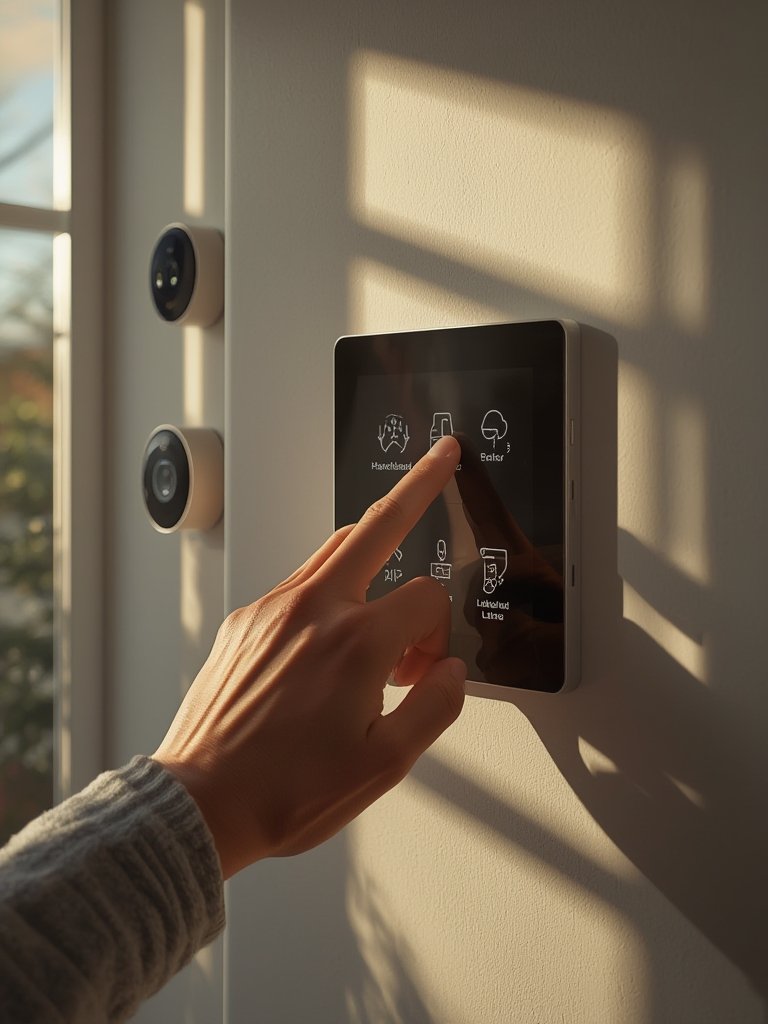
Plan your expansion in small steps. Pay attention to how family members or roommates react. If they find the setup intrusive, tweak routines or notifications. It’s better to iterate than overwhelm. If you’re remodeling or redecorating, consider multitasking solutions such as LEGO Bamboo sets that combine mindful decor with low-maintenance living.
Advanced Analysis & Common Pitfalls
Smart home automation isn’t always seamless. Research and thousands of user stories highlight several real-world problems:
- App and device sprawl: Juggling many apps for different brands is common. This cuts into convenience.
- Connectivity dead zones: Older homes or dense layouts can cause Wi-Fi dropouts, leaving devices “offline.”
- Compatibility conflicts: Not all devices play nice. For example, Z-Wave needs a compatible hub, and not all support each protocol equally.
- Upfront and long-term cost concerns: Retrofit kits lower expenses, but premium installs can reach extremely high costs—especially with professional, hardwired builds. Subscription fees (cloud recording for cameras, advanced controls) add up over time.
- Privacy and security: While top brands promise privacy and regular security updates, data leaks and hacking risks still exist. Always use strong passwords and device-level two-factor authentication when available.
| Feature | Wireless Retrofit | Hardwired (New Construction) |
|---|---|---|
| Upfront Cost (US, avg.) | Lower (self-install kits, flexible add-ons) | Up to $750,000 (source) |
| Setup Time | Hours or less | Weeks to months (requires professional installation) |
| Best For | Renters, existing homes, those who want to start small | Luxury new builds, commercial smart spaces |
| Adaptability | Easy to add/remove devices | Difficult—requires rewiring and upgrades |
Beyond functionality, many users are also considering surface materials that are easy to clean when adding smart kitchens or baths. If hygiene is a priority in your home upgrades, explore antimicrobial peel stick tiles for an added level of protection and low-maintenance style.
As smart devices increase, you might notice your rooms need extra visual coordination. Temporary upgrades like Peel Wallpaper make it easy to swap up looks as your needs change.

Conclusion
Smart home automation ideas bring practical, real-life benefits when approached step by step. Starting with a clear problem to solve, choosing compatible gear, and being realistic about learning curves helps you skip the most common pitfalls. Retrofit smart home solutions are fast-growing for a reason—they are flexible, affordable, and work in almost any space.
If you’re ready to upgrade your routines, test just one or two smart home automation ideas this week. You’ll quickly learn what’s truly useful—and once you have a system that just works, you may find real time savings and peace of mind you never expected.
Want more home upgrade inspiration that pairs well with your smart home automation ideas? Explore our guides on the best temporary backsplashes, tiles, and decor to give your entire space a high-impact, low-hassle refresh.
Frequently Asked Questions
What devices do most people start with in smart home automation?
Most beginners start with smart plugs, bulbs, speakers, or a video doorbell. These have the lowest cost and easiest setup, and work well with voice assistants like Alexa or Google Home.
Are smart home automations expensive to run?
The main cost is in the upfront purchase of devices. Basic automations use minimal energy. Some devices, like smart cameras, may require monthly cloud subscriptions for advanced features.
Is it hard to get different brands working together?
It can be tricky. Most smart devices work best within the same ecosystem (Google, Amazon, Apple). Devices with Matter or Zigbee/Z-Wave compatibility offer more flexibility, but always double-check before buying to avoid headaches.
Can smart home automations improve home security?
Yes. Automated lights, cameras, smart locks, and alerts allow real-time monitoring and faster responses to unusual activity. Make sure your network and devices stay up to date for maximum safety.
What are some overlooked smart home automation ideas?
Try automation for water leak sensors, garage doors, or even scheduling pet feeders. Many guides focus on lights and locks, but practical automation can cover maintenance, hygiene, and convenience tasks too.
