

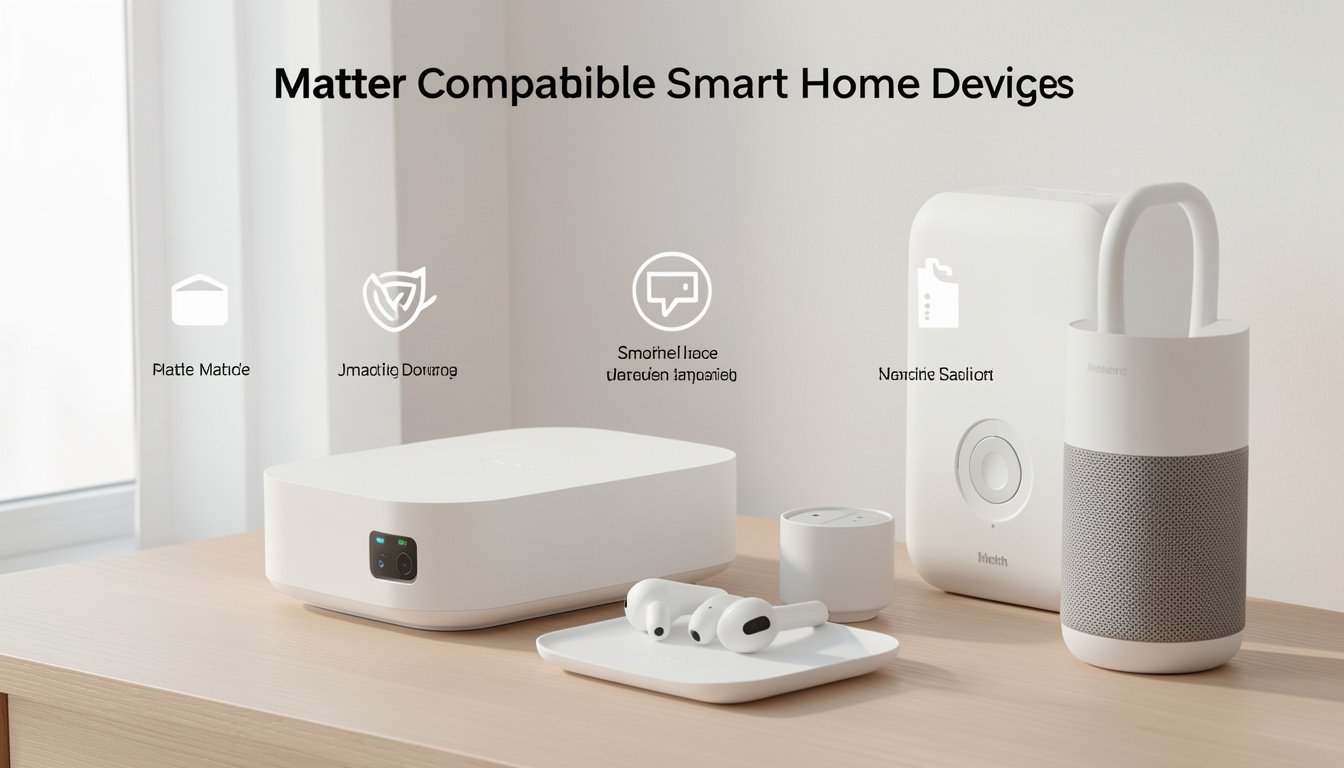
Matter compatible smart home devices are changing the way we connect, automate, and control our homes, promising to make setup and daily use simpler—no matter which brands you choose. If you want to ensure your home runs on devices that work together reliably, this guide will walk you through what’s real in 2024, how Matter works, what to watch out for, and the most actionable steps for getting started.
Key Takeaways
- Matter-certified devices aim for true interoperability, but not all devices or brands fully support Matter in each category—focusing on compatibility is essential.
- Real-world user experience and setup issues are underreported; be prepared for occasional glitches, especially with multi-brand smart home setups.
- Cost, device selection, and value can vary—plan ahead with clear priorities to avoid expensive mistakes.
- What Are Matter Compatible Smart Home Devices?
- How to Build a Matter-Compatible Smart Home (Step-by-Step)
- Advanced Analysis & Common Pitfalls
- Conclusion
- FAQ
What Are Matter Compatible Smart Home Devices?
Matter compatible smart home devices are products built to a new connectivity standard (called Matter) meant to solve one of the biggest headaches in smart home tech: getting lights, thermostats, locks, sensors, and speakers from different brands to work together easily and securely. Matter is an open-source protocol managed by the Connectivity Standards Alliance and is backed by heavyweights like Apple, Google, Amazon, and Samsung.
The big promise? With Matter, you won’t have to worry about whether your new smart bulbs works with your Google Nest Hub, or if your Apple HomePod can control your door lock—regardless of manufacturer, if it’s Matter certified, it’s supposed to “just work” across platforms.
This is a radical change from the fragmented past, where some devices only worked with Alexa, others with HomeKit, and so on. Now, with Matter 1.4 (released autumn 2024), support covers more device types and more advanced management features.
For homeowners, this means fewer brand-specific hubs and less chance of “unsupported device” headaches.
How to Build a Matter-Compatible Smart Home (Step-by-Step)
Setting up a smart home using Matter compatible devices is a process you can complete with careful planning and smart choices. Here’s a practical, step-by-step guide:
- Assess Your Needs
List out which kinds of devices matter most: lighting, thermostats, locks, security, entertainment, or appliances. Consider which rooms or use-cases need to be upgraded first. - Check Device Compatibility
Before buying, look for the official Matter logo on packaging or listings. Brands must certify with the Connectivity Standards Alliance to claim true Matter support. Most mainstream categories (smart bulbs, plugs, thermostats, locks) have some Matter choices, while appliances like fridges and dishwashers are less represented. - Pick a Matter Controller (if needed)
Matter works over Wi-Fi, Ethernet, and Thread. Most people use a voice assistant/display—like Apple HomePod, Google Nest Hub, or Amazon Echo with updated firmware—as their “Matter Controller.” Some device setups require a hub, especially for Thread-based devices or multi-admin setups. - Set Up Your Matter Controller
Follow official setup instructions on your chosen platform’s app (Apple Home, Google Home). Update to the latest firmware to enable full Matter support (typically automatic). - Add and Group Devices
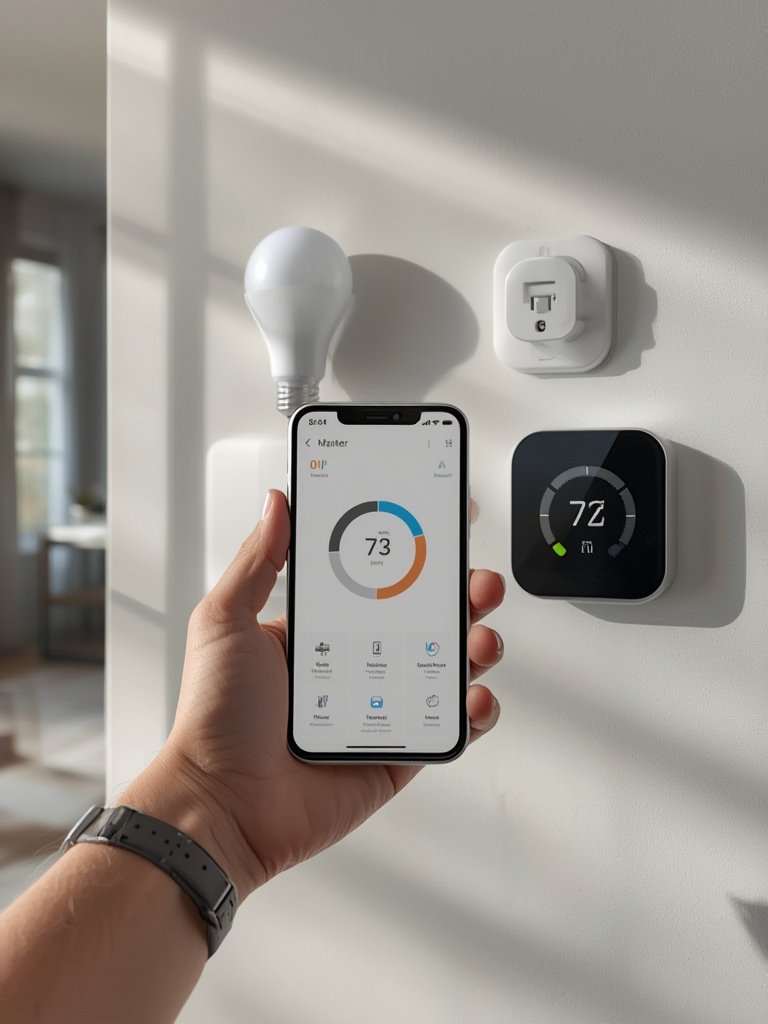
Use your platform app to scan QR codes or use near-field setup. Group and name devices logically for simple automations—kitchen lights, living room locks, etc. - Test Interoperability and Automations
Check if devices work as promised—can you control your smart plug from both your iPhone and an Android tablet? Do automations trigger as scheduled? - Expand Carefully
When adding more devices, always verify new products’ Matter support—especially for newer or less-common categories such as robot vacuums or large appliances.
If you’re planning DIY-friendly projects beyond smart tech, check out hands-on tips for modern backsplashes in our Peel Stick Backsplash roundup, or if security is a concern, explore the privacy benefits of privacy window films for your smart home.
For creative integration ideas, modern décor, or to complement your tech upgrades, see our LEGO Bamboo décor guide, or complete your media setup with fast streaming using our Roku Stick steps for 2026.
Advanced Analysis & Common Pitfalls
While Matter aims to be the universal solution, actual implementation in 2024 is not perfect. Ownership of smart home devices has reached 93% of American households, but full Matter adoption is much lower and varies greatly by category.
Common Pitfalls
- Partial Matter Ecosystem
Speakers, lights, smart plugs, and thermostats are often Matter-ready, but many security cameras, large appliances, and doorbells may not be—check before you buy. - Multi-Platform Setup Gaps
Setting up one device across Apple, Google, and Samsung platforms is smoother but not always seamless; some automations and advanced features can be platform-specific or buggy. - Firmware Update Frustrations
Devices sometimes require updates before becoming “Matter compatible.” Not all brands push these updates reliably; older devices may never support Matter, despite vague advertising. - Hidden Costs
You might need a new hub or Thread-compatible Wi-Fi router. These costs are seldom highlighted in ads. Plan on an initial investment well above the $62 average home revenue. - Unclear Certification
Some brands market “Matter-ready” devices that require a future firmware update—verify official certification for any purchase to avoid disappointment. - Interoperability Is a Work in Progress
Despite Matter’s promise, you may occasionally see hiccups when mixing brands, especially with new device types or non-mainstream manufacturers.
Comparison Table: Matter Adoption Status by Device Category
| Device Category | Estimated Market Adoption (2024) | Common Matter Support | Notes |
|---|---|---|---|
| Speakers/Assistants | 73% | High | Most smart speakers now have Matter updates (ex: HomePod, Nest Hub) |
| Doorbells | 50% | Low-Medium | Few doorbells support Matter (many still Wi-Fi/Bluetooth only) |
| Security Cameras | 50% | Low | Cameras are not widely supported under Matter 1.x specs |
| Thermostats | 43% | Medium-High | Honeywell, Ecobee, Nest offer some Matter models |
| Lighting | 34% | High | Philips Hue, Nanoleaf, and others rolling out frequent Matter updates |
| Smart Locks | 19% | Medium | Major brands (Aqara, Yale) now offer some Matter lock models |
| Appliances (Washers, Fridges, Dishwashers) | 18% or less | Low | Minimal Matter adoption as of late 2024 |
| Robot Vacuums | 29% | Very Low | Matter support is rare or non-existent; check before buying |
Source: AHS 2024 Smart Home Survey, Matter Explainer
Where to Find Actionable Guidance & Honest Reviews
Because platform and device-specific issues are underreported, start with peer reviews and hands-on guides. For step-by-step success stories, see our deep dives into removable backsplash solutions or compare modern hygiene upgrades in our antimicrobial tiles guide. These renovation projects—just like Matter—succeed or fail based on proper prep and reliable products.

Conclusion
Matter-compatible smart home devices can future-proof your house and simplify your smart tech choices. While the ecosystem is growing, not every device type or brand is fully supported yet—always check for true certification, be prepared for minor growing pains, and make purchasing decisions based on what features and upgrades matter most to you. For a smoother start, use this guide to avoid the most common mistakes, plan your expansion, and enjoy a smarter, more flexible home.
Ready to create the home of the future? Start evaluating which matter compatible smart home devices fit your lifestyle and make your first move today. Got a smart upgrade in mind? Let us know what you plan to automate next.
FAQ
What is a Matter-compatible smart home device?
A Matter-compatible device is any smart home product officially certified to use the Matter standard, enabling it to work reliably with other brands and ecosystems supporting Matter.
Do all smart home devices work with Matter?
No. While adoption is growing, many categories (especially cameras and appliances) have limited Matter options. Always check the packaging or manufacturer’s website for official compatibility before buying.
What do you need to set up Matter in your home?
You’ll need a Matter-certified controller (like an updated Apple HomePod, Google Nest Hub, or Amazon Echo), a stable Wi-Fi or Thread network, and devices with the Matter logo. For best compatibility, use official setup apps and keep firmware up to date.
Can I mix Apple, Google, and other brands with Matter?
Yes, that is the main point of Matter. However, the experience is best when all devices fully support Matter; mixing older or partially supported products can lead to hiccups or missing features.
Are there costs or hidden fees to use Matter?
There is no subscription fee to use Matter, but you might need to invest in a Matter controller or compatible hub, and some older devices may require upgrading. Plan for these potential costs in your smart home budget.
—
