

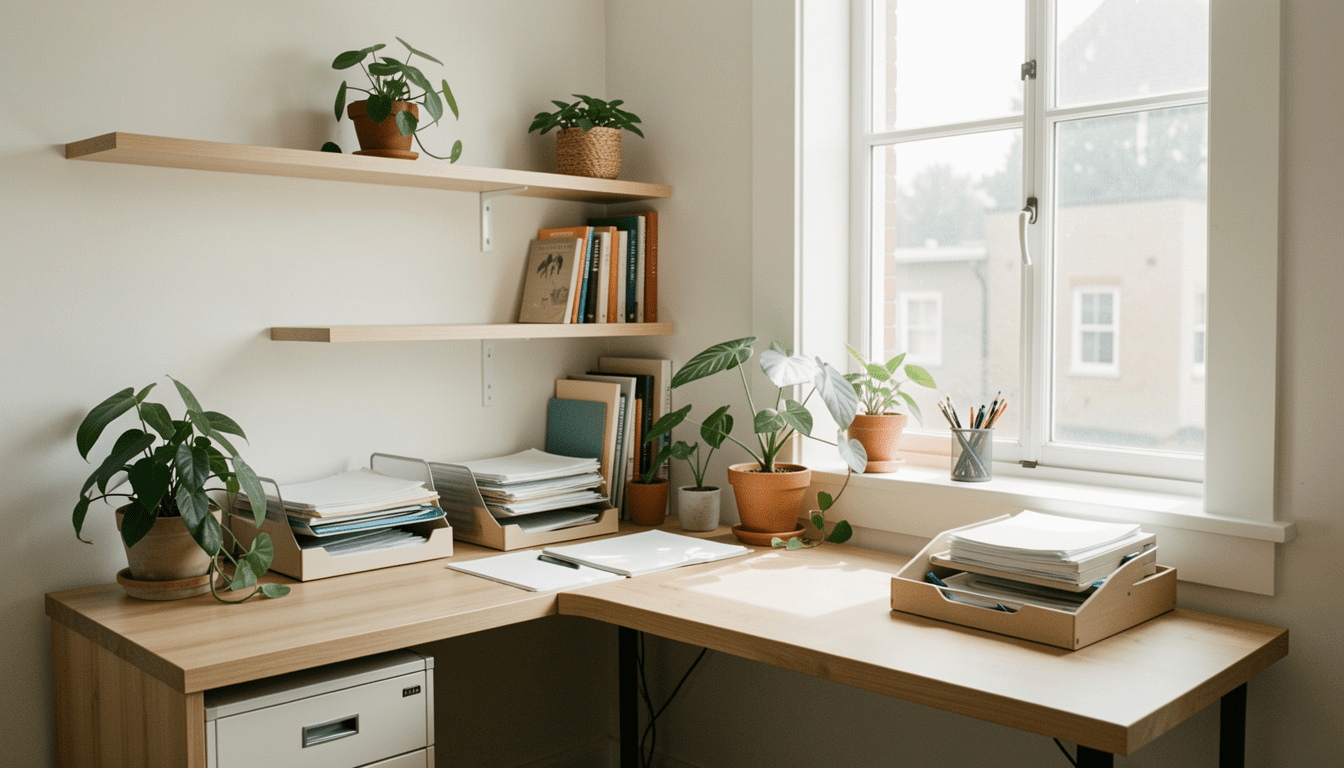
Home office renovation is quickly becoming a necessity for professionals who want a productive, comfortable, and tech-ready space to work from home in 2024. Whether you’re tackling a spare room overhaul or transforming a corner, the difference a well-designed office can make is substantial.
Key Takeaways
- Roughly 1 in 5 American workers now spend at least some time working from home, leading to increased demand for home office upgrades.
- The best home office renovations focus on ergonomics, natural light, smart tech integration, and sound management to boost productivity.
- Poor planning can lead to waste, regrets, and unsatisfying results. Following a clear process and using up-to-date trends makes a difference.
- Why Home Office Renovation Matters in 2024
- Step-by-Step Guide to Home Office Renovation
- Advanced Analysis & Common Pitfalls
- Conclusion
- FAQ
Why Home Office Renovation Matters in 2024
With about 20% of the American workforce working from home at least part-time in 2024 (AccessiBe), your work environment plays a large part in productivity and comfort. Remote work remains strongest in tech, business, and legal professions, with states like Colorado and Maryland leading the way (US Neat). This shift means more people are investing in dedicated home office spaces, seeking quiet, ergonomic, and tech-ready setups.
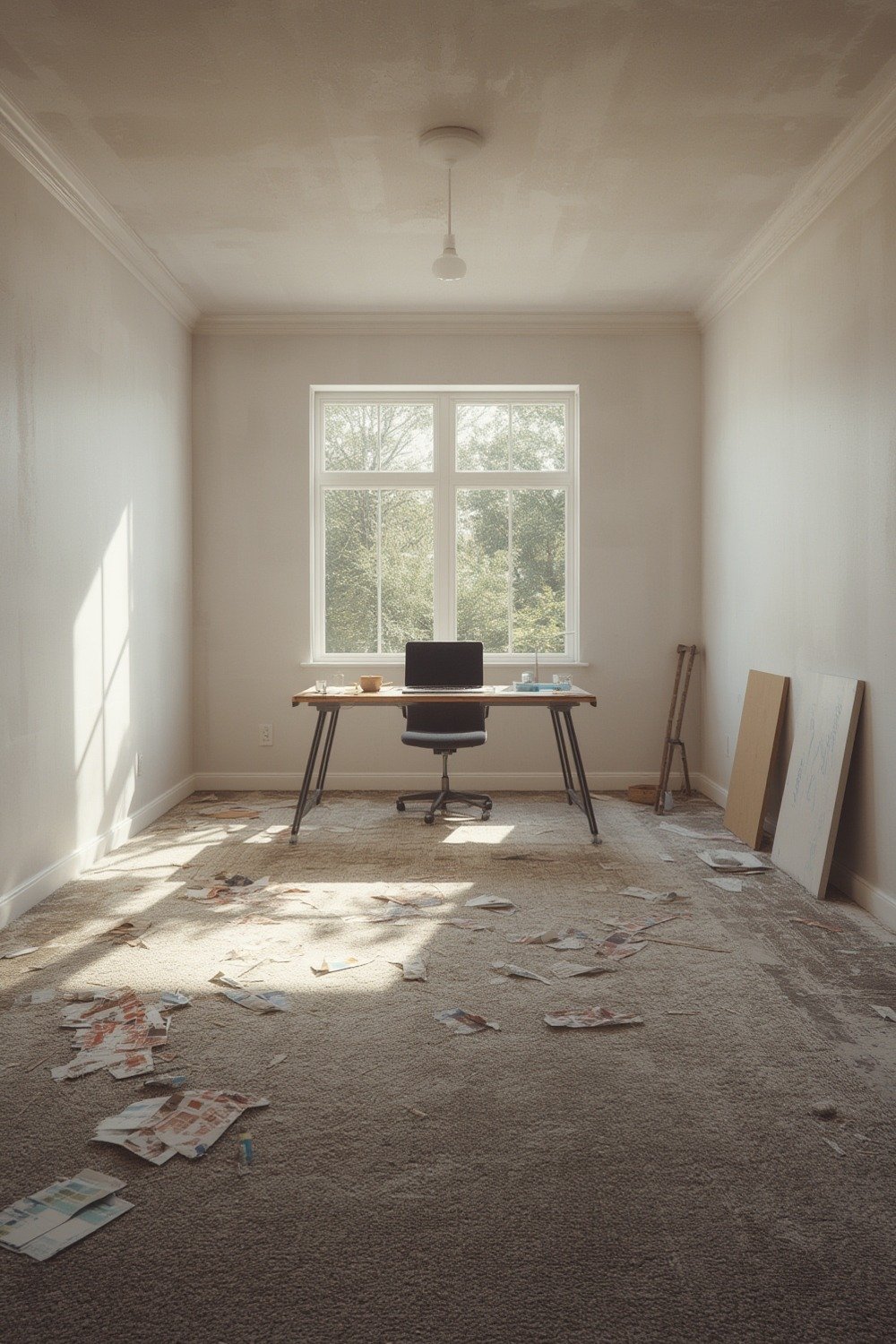
Renovating your home office is about more than a fresh coat of paint. It’s about building a space that supports focus, encourages good posture, and enhances video calls with the right lighting and technology. The global video conferencing market has soared, with 66% penetration by 2024 (US Neat), underscoring the importance of tech-friendly home workspaces.
Step-by-Step Guide to Home Office Renovation
Ready to update your work-from-home setup? Here’s a proven, practical process that sidesteps common mistakes and builds a pro-level office—whether you’re converting a spare bedroom, annex, or even a porch (enclosed porch conversion).
1. Define Your Goals and Budget
Clarify the key purpose of your office—focus work, creative tasks, calls, admin, or all four? Make a list of dealbreakers, wish-list upgrades, and a “nice-to-have” column. Set a realistic budget for labor, tech, and finishes.
2. Choose Location and Layout
Select a quiet spot with minimal distractions. Corners and enclosed porches are prime upgrade options (enclosed porch conversion). Consider window placement for natural light and cross-check how you’ll run power and data cables.
3. Prioritize Ergonomics
Invest in a proper chair, adjustable-height desk, and a monitor at eye level. Avoid “fashion” desks that sacrifice comfort—poor posture means fatigue, back pain, and lower productivity. Explore shoe benches for storage or elevated computer stands for organization if space is tight.
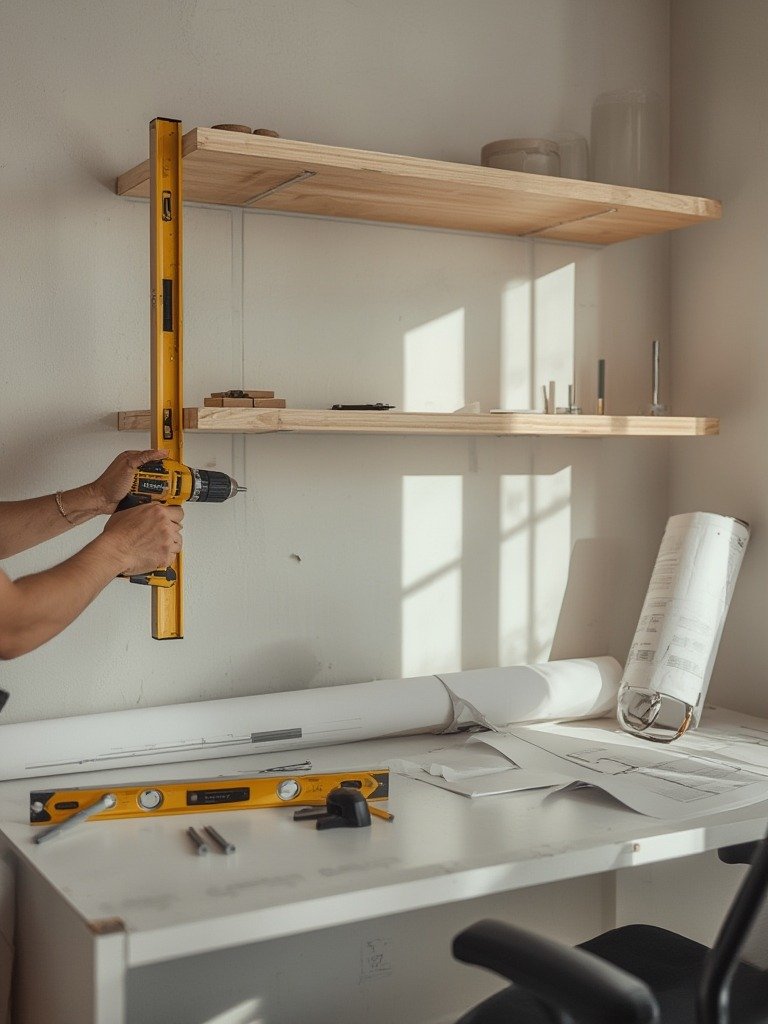
4. Maximize Lighting and Acoustics
Good lighting is non-negotiable for eye comfort and video calls. Blend LED task lighting with as much natural daylight as possible. Use stick-on blackout shades if your monitor faces a window glare. Soundproof basics matter even for small offices—add thick rugs, strategic cork liners, and soft wall panels.
5. Plan Technology Upgrades
Broadband reliability and cable management are critical. Mount power strips under the desk, bundle cords, and opt for dual monitors when possible. Video conferencing hardware and noise-cancelling mics now matter as much as desk space—consider a dedicated smart display or conferencing bar.
6. Materials and Finishes
LVP flooring resists scuffs from chairs and looks sharp (LVP flooring trends). Peel-and-stick waterproof backsplash tiles add easy-clean surfaces on feature walls (waterproof backsplash tiles).
7. Test, Tweak, and Improve
Live in your new setup for a week. Adjust chair height, lamp placement, and decor. If something annoys you now, it’ll be worse after a month—fix small issues right away for long-term comfort.
Advanced Analysis & Common Pitfalls
No renovation is complete without understanding potential problems. While most guides focus on before/after transformations, here’s what can realistically go wrong with a home office renovation in 2024:
| Mistake | Why It’s a Problem | How to Avoid |
|---|---|---|
| Poor Cable Management | Creates clutter, tripping hazards, and looks unprofessional on video calls. | Mount power strips, use cable sleeves, and run wires inside raceways. |
| Ignoring Acoustics | Noisy rooms hurt focus and video/audio quality. | Install door sweeps, use cork liners, and add absorbent decor. |
| Skimping on Lighting | Bad lighting strains eyes and makes video calls stressful. | Use layered lighting and avoid relying on a single overhead fixture. |
| Not Planning Storage | Paper and office supplies quickly pile up, creating distraction. | Add shelving, use vertical space, and choose furniture with storage. |
| Going Too Trendy | Trendy finishes may date quickly or not suit your real workflow. | Balance aesthetics with durability and timeless layouts. |
If your project involves any structural changes or significant upgrades—especially for enclosed porches or basement conversions—always check local codes. This is crucial for protecting resale value (enclosed porch conversion).
And don’t overlook flooring impact: durable vinyl, LVP, or even stick-on marble finish (peel tiles) can make cleaning and rolling office chairs effortless.
Conclusion
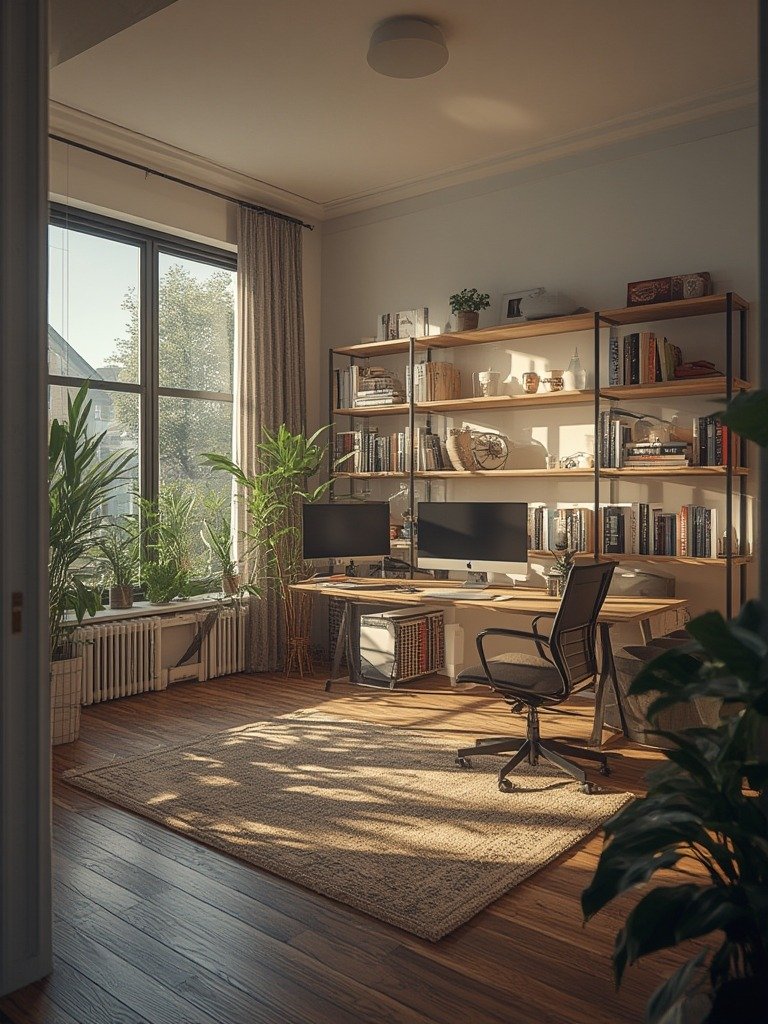
Renovating a home office in 2024 is an investment in daily comfort and long-term productivity. There are no one-size-fits-all solutions: true success comes from matching your home office renovation to your unique working style, ergonomic needs, and tech demands. Ready to boost your work-from-home life? Start with a solid plan—and choose durable, flexible finishes so your workspace grows with you. For more inspiration on materials and small-space tricks, check out our guides on LVP flooring trends and affordable peel tiles.
Ready to transform your workspace? Start your home office renovation journey now for better productivity and daily satisfaction.
FAQ
How much does a home office renovation cost in 2024?
Costs can range from a few hundred dollars for cosmetic updates to several thousand for custom installs or structural changes. Prices depend heavily on your region, room size, and materials chosen.
What are the best materials for a modern home office floor?
LVP flooring is popular for its durability, comfort, and easy cleanup. It resists scratches from chairs and offers wood-look finishes without the cost. Read about the latest LVP trends.
Which mistakes should I avoid during home office renovation?
Avoid skimping on lighting, ignoring acoustics, or overcrowding the space with storage. Poor cable management and chasing fleeting trends also lead to regrets.
Can home office upgrades boost my home’s resale value?
While there’s no definitive data for 2024, a well-designed flexible office can appeal to modern buyers—especially in markets with high remote work rates like Colorado or Maryland.
How can I quickly refresh a small home office?
Swap in a new chair, add a peel-and-stick backsplash or accent wall, and reorganize cables for instant improvement. Even small upgrades make a big difference.
