

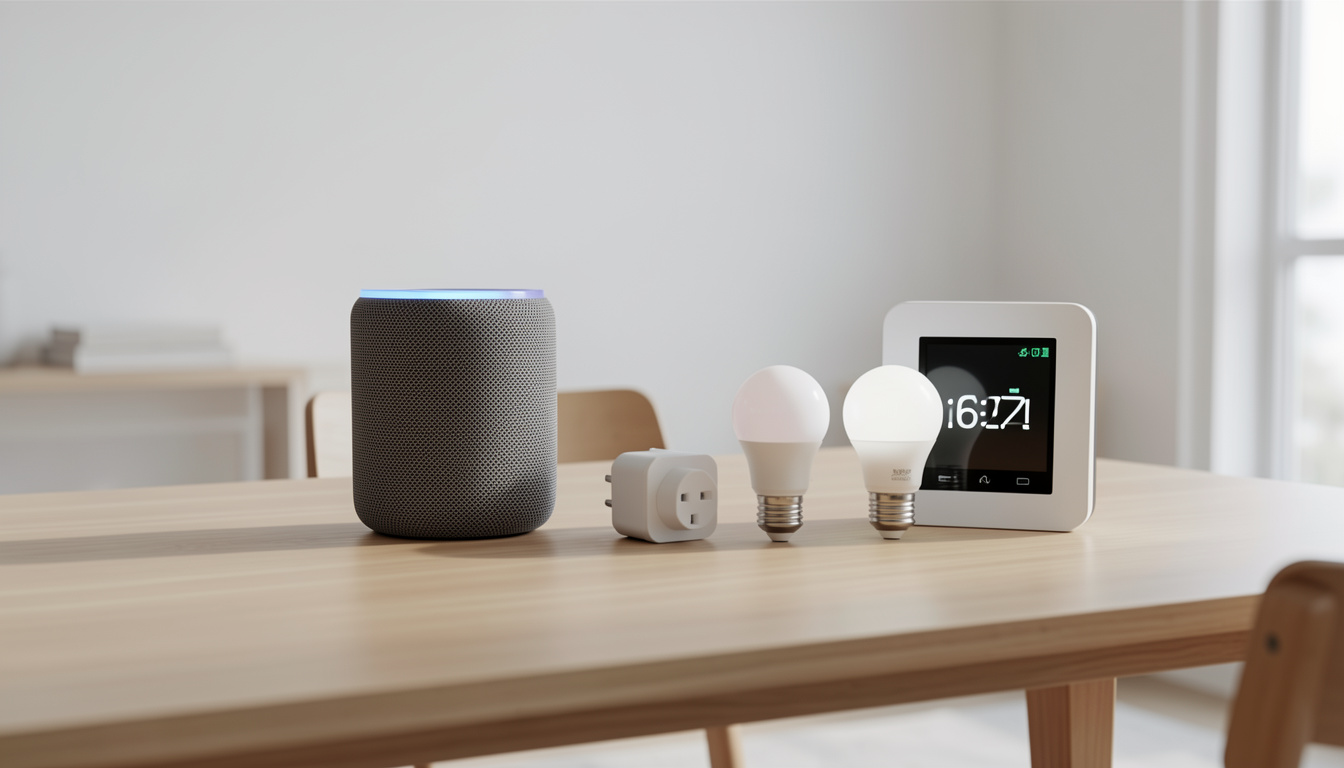
Budget smart home devices are making home automation more accessible than ever, but sorting out which gadgets are truly worth it can be confusing if you don’t want to waste money, face hidden fees, or deal with headaches down the road.
Key Takeaways
- Smart home market growth is steady but real savings require understanding true operating costs and long-term compatibility.
- Many devices under $100 deliver essential automations, but buyer regrets often trace back to ongoing fees and unexpected compatibility issues.
- Prioritize core features, open ecosystem compatibility, and clear subscription policies when choosing budget smart home devices.
- What Are Budget Smart Home Devices and Why Should You Care?
- How to Choose and Set Up Budget Smart Home Devices: Step-by-Step
- Advanced Analysis & Common Pitfalls: What to Watch Out For
- Conclusion: Making Smart Choices on a Budget
- FAQ: Budget Smart Home Devices
What Are Budget Smart Home Devices and Why Should You Care?
Budget smart home devices are connected gadgets for home security, lighting, entertainment, energy management, and automation, typically priced under $100 per unit. These products—think smart plugs, bulbs, mini hubs, and basic security cameras—let you bring voice control, automation, and monitoring into your home without spending thousands.
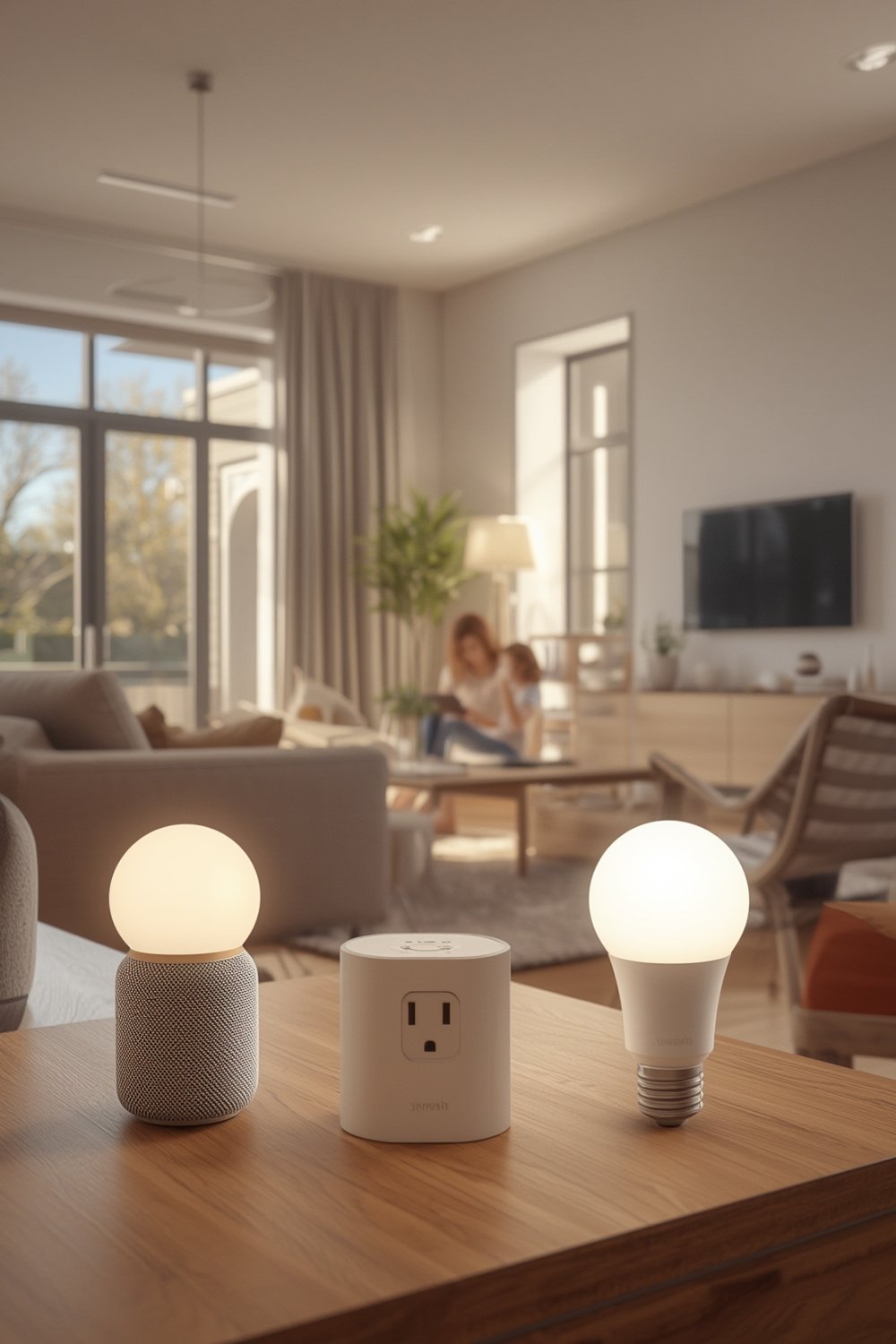
The global shipment of smart home devices hit $892.3 million units in 2024, with growing market value and over 90% household penetration in regions like China. In the US, spending per home averages $3,026—including ongoing installation and maintenance costs. The demand is strongest in home security, video entertainment, and smart speakers.
The appeal is undeniable: smart homes can save energy, upgrade convenience, and offer peace of mind. But high penetration rates and long device life cycles mean “smart” does not always mean upgrade-worthy, especially in the budget segment. Flat growth and increasing reports of regret over hidden or recurring fees highlight the risks of not choosing wisely.
If you want no-fuss upgrades (like peel-stick backsplashes for kitchens, which are trending alongside smart upgrades—see Peel Stick Backsplash), smart devices can deliver. But you need to understand which features matter (and what’s hype) to avoid pitfalls that trap so many first-time buyers.
How to Choose and Set Up Budget Smart Home Devices: Step-by-Step
A great smart home does not require a huge investment—but it does require thoughtful planning. Here’s how to choose, set up, and maximize your budget smart home devices, step by step.
- Prioritize true must-haves.
Don’t buy based on hype. Start with essentials—security cameras, smart bulbs, plugs, or speakers—matching the devices to your home’s size and the platform (Google, Alexa, or Apple HomeKit) you already use.
- Research compatibility and ecosystem openness.
Avoid devices that only work with a single brand (or require a proprietary hub). Opt for WiFi-based or widely supported Matter/Zigbee products when possible—these offer longer-term flexibility.
- Check for hidden subscription or hardware costs.
Basic smart plugs, bulbs, and entry sensors often work hub-free. However, some popular budget cameras or sensors lock basic functionality (like cloud video storage or advanced automations) behind subscriptions. Read the fine print before you buy.
- Test for “real-world” ease of use.
Download the app and watch a quick YouTube setup video. If the app has bad reviews for updates or privacy, skip the device—even if the hardware specs look good.
- Standalone, or part of a system?
Decide if you want modular, add-as-you-go gadgets (e.g., Wyze Cam or Amazon smart plug) or a growing system (like Sonoff, Aqara, or Tuya) that can scale with you. The answer affects total cost and upgrade path.
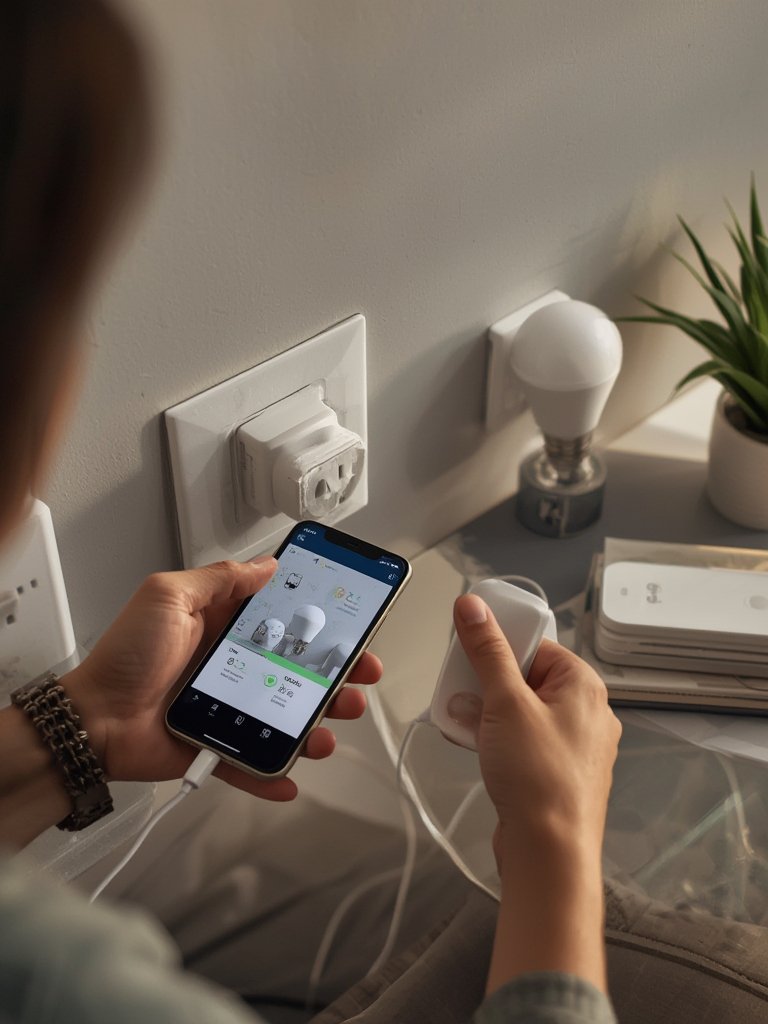
- Installation and setup tips.
Always reset new devices before setup. Plug in one at a time so you don’t overload your WiFi. If possible, assign fixed device names and locations in your smart home app for better organization.
- Routine maintenance for reliability.
Budget devices can be prone to needing firmware updates or drop connections on crowded networks. Set calendar reminders to check apps for updates and verify privacy settings every few months.
For stylish, easy upgrades that go hand-in-hand with smart home DIY, try trending home decor solutions—like LEGO Bamboo sets or high-impact peel wallpaper—to modernize your space without the big spend.
Advanced Analysis & Common Pitfalls: What to Watch Out For
Even affordable smart home tech can come with hidden costs and unexpected headaches. Market research finds that about 10% of US consumers regret smart home purchases—primarily due to surprise ongoing costs and reliability issues over time (source), not just high initial prices.
- Subscription surprises: Many budget security cameras, video doorbells, and cloud-based gadgets require short free trials followed by monthly subscription fees—even for essential functions like timeline playback.
- Brand lock-in and forced hubs: Some cheap devices only work with the original app and require a proprietary hub (adding $25-$50), killing cost savings and limiting flexibility if you switch systems later.
- Security and privacy risks: Cheap or off-brand gadgets often lack regular security updates. Some may not publish clear privacy policies and could stop pushing updates suddenly—with zero warning.
- Weak compatibility: Entry-level devices don’t always play nicely with new standards (like Matter). This can mean “future-proofing” is an empty promise.
- Unreliable apps and support: Complaints about buggy apps, lost connections, failed automations, and poor documentation are common for no-name budget brands.
| Factor | Budget Devices (Under $100) | Premium Devices ($100+) |
|---|---|---|
| Upfront Cost | Low | High |
| Likelihood of Subscription Fees | Medium-High | High |
| App Reliability | Often Inconsistent | Usually Stable |
| Security Updates | Occasional/Unknown | Frequent |
| Privacy Policy | Sparse/Opaque | Transparent |
| Ecosystem Compatibility | Spotty | Strong (Matter, HomeKit, etc.) |
| User Regret Rate (US) | 10% (Linked to ongoing costs) | Slightly Lower |
It’s easy to focus only on fun, new gadgets. But for a truly stress-free, affordable smart home, don’t overlook supporting upgrades that make daily life easier—like using antimicrobial peel stick tiles for a fast, hygienic kitchen refresh, or window privacy film to complement smart security.
Conclusion: Making Smart Choices on a Budget
Budget smart home devices are an easy way to get real value and convenience—if you avoid hidden traps, subscription surprises, and compatibility lock-in. Prioritize flexibility, verify ongoing costs, and don’t ignore app support or privacy. With the right strategy and just a few quality devices, you can enjoy a smarter, more comfortable home without breaking the bank.
Choose only what you’ll truly use, and always check if a feature or automation can replace a more expensive, time-intensive upgrade. Ready to start? Explore more ways to elevate your home experience—whether you’re upgrading gadgets or giving your walls a fast DIY makeover with peel stick backsplash solutions.
Want more insider tips on budget smart home devices, décor shortcuts, and real-world tech solutions? Subscribe to updates and take charge of your smart home journey today!
FAQ: Budget Smart Home Devices
Are budget smart home devices safe to use?
Most are safe when bought from reputable brands (Amazon, Google, Wyze, TP-Link, etc.), but cheap, noname devices may lack regular security updates. Always check for clear privacy policies and recent app updates before purchase.
Do I need a smart home hub for budget devices?
Many entry-level devices use WiFi and don’t require a hub. However, some brands (especially Zigbee or Matter-based) may require a small hub or bridge for advanced automations. Check the product description for “hub required” before buying.
What hidden costs should I expect with cheap smart home gadgets?
Common ongoing costs include cloud storage fees (for cameras and doorbells), proprietary hubs, or app subscriptions for advanced automations. These costs are rarely advertised up front—always read reviews and support documentation carefully.
Which features should I look for in affordable smart home products?
Prioritize core connectivity (WiFi, Matter), free app control, routine firmware updates, and compatibility with your preferred voice assistant. Avoid one-trick gadgets that can’t grow with your needs.
Can I automate my whole home with just budget devices?
Yes, you can handle basics like lights, plugs, entry sensors, and even streaming (see practical devices like Roku Stick). More advanced security or seamless integrations may require some premium investments down the line.
—
