

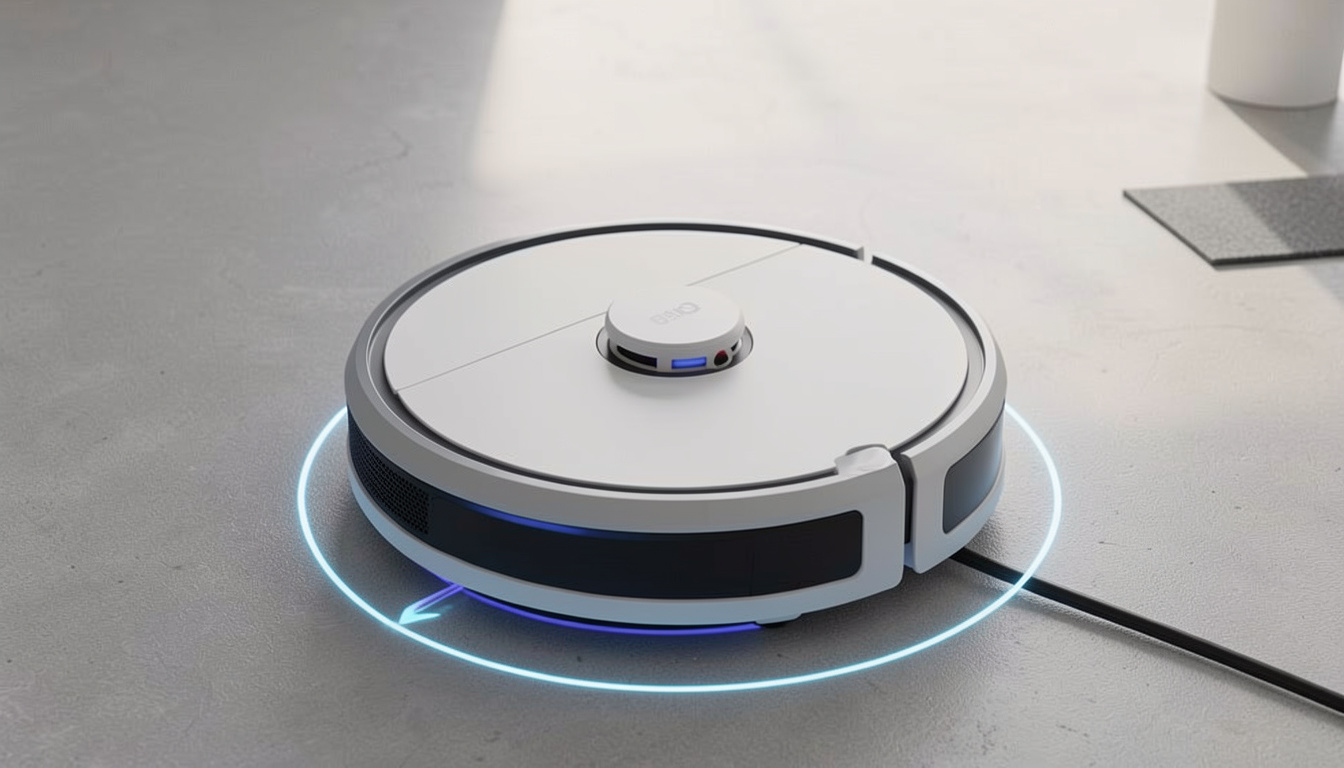
AI obstacle avoidance robot vacuum mop technology is changing how we clean our homes, promising less tidying and fewer cleaning disasters—but how well do these machines really perform in everyday, cluttered spaces?
Key Takeaways
- AI obstacle avoidance robot vacuum mops are driving rapid growth in the premium cleaning robot market, with the latest models focusing on object detection and intelligent navigation.
- Real world testing shows these robots can avoid 80–95% of common obstacles, but edge cases and mapping bugs still frustrate users.
- Practical ownership means balancing high-tech automation with regular maintenance, app learning curves, and realistic expectations about true autonomy.
The Core Concept
AI obstacle avoidance robot vacuum mops use multiple onboard sensors and artificial intelligence models to clean floors without bumping into common household obstacles like cables, pet waste, toys, and shoes. Instead of random or basic bump-and-go movement, these robots scan and analyze their path, using machine learning to recognize and avoid hazards. The payoff? The promise of fewer frustrating tangles, less pre-cleaning prep, and cleaner floors you don’t have to babysit.
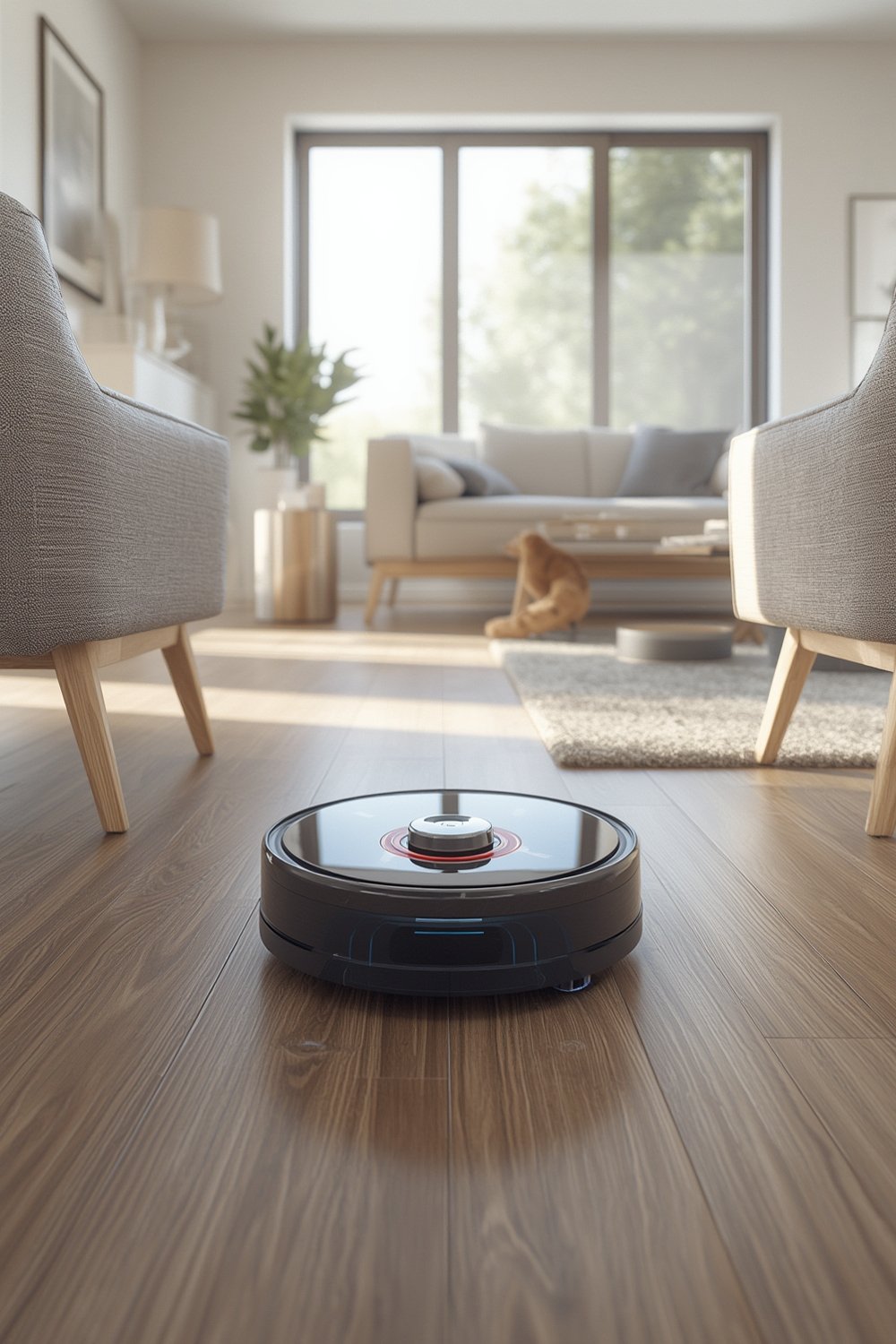
What makes these premium robots different from budget models is their ability to combine camera vision, 3D mapping, and AI-powered object detection in real time. Each run, the robot identifies obstacles based on shape, color, and position, then adjusts its path—helping you avoid classic messes like smeared pet accidents or jammed brushes. This tech is now a key sales driver and commands higher prices across leading brands. According to market research, the global robotic vacuum cleaner segment reached up to $12.6B in 2024, with AI navigation and object recognition called out as the main reason for premium growth.
Still, the systems aren’t perfect—and it pays to understand both the potential and the limitations before you invest.
Step-by-Step Guide
If you’re planning to buy or set up an AI obstacle avoidance robot vacuum mop, here’s how to get the most from your high-tech helper—for both first-timers and those upgrading from older bots.
- Choose wisely based on your home’s layout, pets, and clutter. If you have pets prone to accidents, prioritize models with pet waste detection guarantees (e.g., Roomba j9+). Large, open areas favor bots with speedy LIDAR-based mapping; homes with lots of toys or cables need top-tier AI vision (like Roborock S8 MaxV Ultra or Dreame L20 Ultra).
- Set up the robot and charging dock. Place the dock in an accessible, central location—avoid tight corners, as even the best mapping can get thrown off if the robot can’t easily return.
- Map your home. Most robots do a quick mapping scan their first run, but you’ll get better results if you pick up only extreme clutter (blankets, big piles of toys) and let the robot “see” most real-life obstacles. Repeat the map scan for 2–3 full runs for best room recognition.
- Create no-go zones and virtual walls. Use the app to exclude tricky spots—under desks with lots of wires, pet feeding areas, or kids’ Lego zones. Setting these up early saves future headaches and plays to the robot’s strengths.
- Schedule cleans based on real-life routines. Experiment with time-of-day runs (e.g., kitchen at night, whole house midday) and zone cleaning for high-traffic areas. If you have pets or kids, it’s often worth running the mop less frequently in carpeted bedrooms and more often in the kitchen/dining zones.
- Monitor the robot’s object detection reports. Many apps now show icons or photos of obstacles found (shoes, cables, toys, pet messes). Review these after early runs to see if a recurring object (e.g., a black cord) is missed, and try moving it or increasing lighting there for better detection.
- Keep sensors, camera, and mop pads clean. Gently wipe the camera lenses and depth sensors with a soft, dry cloth every couple of weeks. Clean mop pads and replace as recommended for optimal object and floor detection. This helps maintain AI system accuracy over time.
- Update firmware, but back up your home maps first. Before major app or robot updates, save your maps (if supported) or screenshot your zoning and virtual walls. Firmware updates occasionally reset or corrupt saved maps.
- Keep a supply of dust bags and consumables on hand. Auto-empty docks require new dust bags every 1–3 months. Have spare brushes and mop pads ready, especially in homes with pets or kids.
For more practical cleaning and DIY tips, check out our guides on Peel Stick Backsplash and antimicrobial peel stick tiles—perfect complements to a robot-cleaned home.
Advanced Analysis & Common Pitfalls
The best AI obstacle avoidance robot vacuum mops are impressive but not flawless. Here are the most common pitfalls and technical limits reported by users and reviewers, plus how the leading robots compare.
| Obstacle Type | Detection Rate (Best-in-Class) | Common Failure Modes | User Complaint Frequency |
|---|---|---|---|
| Cables & Wires | 80-95% | Missed thin or black cables on dark floors; crossed wires | High |
| Pet Waste | 80-95% | Fails on flattened, small, or dried accidents; color confusion on brown floors | Moderate |
| Toys | Bright blocks: 90% Tiny pieces: 40-60% |
Very small objects are often missed and vacuumed up | Low to Moderate |
| Low-Light/At Night | Drops up to 20% | Camera-only models miss more objects, bump more often | Moderate |
| Mapping Stability | N/A | Lost maps after app, WiFi, or firmware changes | High |
- Missed Obstacles: Even on flagship models, small/dark items like black phone cords or Lego are sometimes missed—especially in low light or on dark floors.
- Over-cautious Avoidance: Robots may treat patterned floors, socks, or carpet edges as hazards—leading to uncleaned patches or “phantom” obstacles.
- Map Resets: Changes to firmware, WiFi network, or moving robots between floors sometimes wipes or corrupts saved maps, forcing a full remapping routine.
- Maintenance Required: Dirty sensors, mop pads, or camera lenses reduce AI accuracy, leading to more collisions and failed obstacle avoidance. Ideally, clean all sensors and mop pads every 2–3 weeks.
- Night Challenges: AI systems relying only on visible light degrade noticeably in dim rooms, causing more bumps and missed objects versus IR/structured light-equipped models.
- Software Bugs: Glitchy apps, delayed map updates, or unstable cloud services can frustrate, especially when setting zone schedules or managing multi-floor homes.
While the technology is improving quickly, full autonomy is still a work in progress. For an in-depth look at intelligent cleaning gadgets in home improvement, our article on Roku Stick shows similar tech trends driving convenience elsewhere.
Conclusion
AI obstacle avoidance robot vacuum mop models are closing the gap between futuristic marketing and real-world reliability. When set up and maintained thoughtfully, these robots can eliminate most minor headaches that once made unattended cleaning risky. You’ll see fewer cord tangles, almost no “poop-tastrophes,” and much more flexibility to schedule hands-off cleaning—even in homes with kids, pets, or frequent messes.
Is it perfect? Not yet. Sudden app bugs, rare missed objects, and regular upkeep are part of responsible ownership. But if you’re ready for less manual vacuuming (and more time doing what matters), smart robots are now worth considering, especially for busy or mobility-challenged households. Choose carefully, keep expectations grounded, and you’ll experience the real value of AI obstacle avoidance robot vacuum mop innovation.
Ready to upgrade? Compare your needs, double-check object detection test results, and explore related solutions like LEGO Bamboo for unique decor, or Princess Decals for easy home transformations. Smart cleaning starts with the right technology—invest wisely and enjoy a tidier tomorrow.
FAQ Section
Do AI obstacle avoidance robot vacuum mops really avoid all cables and pet waste?
No robot is perfect. Top models avoid most common cords and fresh pet accidents, but thin black cables, dried or flat waste, and extreme clutter can still cause issues. Light room prep and regular sensor cleaning help maximize performance.
How often should I clean the sensors and mop pads?
Wipe camera lenses, depth sensors, and mop pads every 2–3 weeks—or more often if you have pets, kids, or heavy debris. Clean sensors keep object detection accuracy high.
What should I do if my robot loses its home map?
If your robot resets after a firmware or app update, you may need to re-map your layout from scratch. Take screenshots of your zones, virtual walls, and settings beforehand to simplify restoration.
Can these robots work in the dark or at night?
AI robots with IR or structured-light sensors manage low-light better. Camera-only vision models struggle at night, missing more obstacles and bumping furniture. Consider adjusting schedules or adding lights for late runs.
How much should I budget for annual maintenance?
Expect to pay $60–200 per year for bags, mop pads, brushes, and filters, depending on your usage and whether you use OEM or third-party parts. Higher workloads (pets, kids) may require more frequent replacements.
