

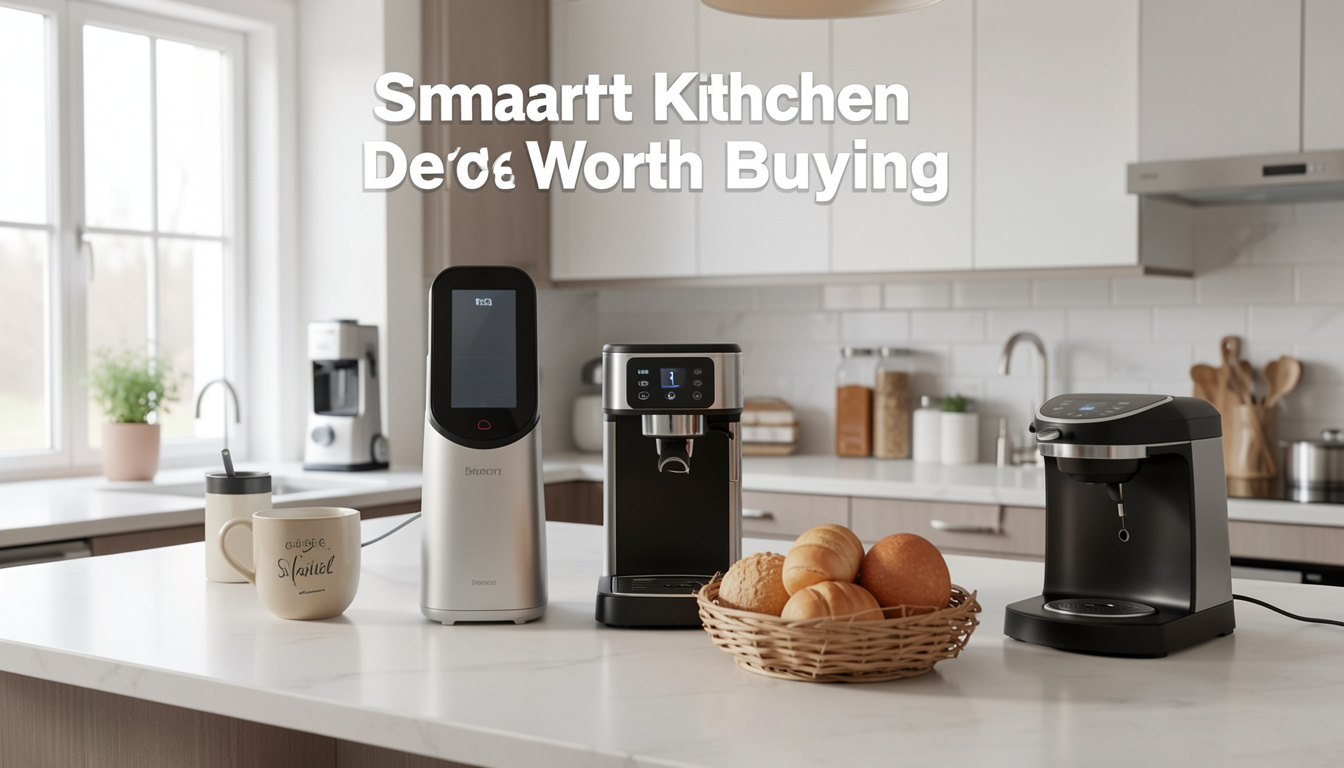
Smart kitchen devices worth buying are changing how we cook, brew coffee, and manage daily kitchen tasks—but are they truly the upgrade they promise to be for your home? In 2024, the surge in Wi-Fi-enabled gadgets is reshaping kitchens across the globe, yet practical questions remain about their value, reliability, and integration. Let’s break down which connected kitchen appliances are worth your hard-earned money, what to expect, and how to avoid common missteps.
Key Takeaways
- Smart kitchen devices—especially Wi-Fi coffee makers and smart air fryers—are gaining adoption due to their convenience, automation, and energy efficiency.
- Integration with major voice assistants and remote app control are core features, but users should beware of potential connectivity and usability snags.
- Knowing device limitations, real-world pros and cons, and setup tips helps you buy smart and avoid frustration.
- What Are Smart Kitchen Devices Worth Buying and Why?
- How To Choose, Set Up, and Get Results From Smart Kitchen Devices
- Advanced Analysis: Pitfalls, Problems, and Realities in 2024
- Conclusion
- Frequently Asked Questions
What Are Smart Kitchen Devices Worth Buying and Why?
Smart kitchen devices worth buying blend modern hardware with Wi-Fi, apps, and voice control to automate, monitor, and optimize everyday kitchen tasks. Think of a coffee maker you start with your phone, an smart air fryer with pre-programmed recipes, or a fridge that tracks groceries and power usage. In 2024, over 18 million smart kitchen appliances shipped worldwide—driven by consumers’ hunger for convenience, energy savings, and integration with platforms like Alexa, Google Assistant, and Apple HomeKit.

According to global market reports, smart kitchen appliances are expected to hit $14.4 billion by 2030, with Wi-Fi-based devices dominating 63.3% of the connected kitchen market. Notably, residential buyers drive over 77% of use—prioritizing time savings, precise automation, and remote operation over traditional manual cooking and brewing.
Features that set the “worth buying” smart kitchen devices apart include:
- App-based scheduling and remote control.
- Integrations with Alexa, Google, and Siri for voice activation.
- Energy-efficient modes and sensor-based automation.
- Automatic maintenance alerts and cooking adjustments using AI.
From a practical standpoint, these appliances cut routine effort and offer peace of mind—much like how Peel Stick Backsplash reinvents kitchen upgrades with minimal hassle for renters and homeowners.
How To Choose, Set Up, and Get Results From Smart Kitchen Devices
Transitioning to smart kitchen devices—whether it’s a Wi-Fi coffee maker, smart air fryer, or refrigerator—can be smooth if you follow the right process. Here’s a practical, no-hype guide for success.
- Assess Your Needs: Identify which tasks slow you down. Do you want better morning coffee? Hands-free meal prep? Energy-efficient refrigeration?
- Check Compatibility: Look for Wi-Fi appliances confirmed to work with Amazon Alexa, Google Assistant, or Apple HomeKit—as 63% of devices now do. Verify app download requirements and Bluetooth/Zigbee support if planning for future expansions.
- Read Real-World Setup Experiences: Look for product forums or guides. For example, many users upgrading their kitchens also turn to solutions like LEGO Bamboo for mindful kitchen and dining décor, highlighting the importance of functional tech blended with style.
- Buy and Unbox: Save all packaging until setup is complete. Many smart kitchen devices require firmware/app updates right out of the box—have your phone/tablet ready and charged.
- Install and Configure: Follow the manufacturer’s instructions carefully. For Wi-Fi appliances, connect only to your main secured network (avoid guest networks for reliable operation). Link the device to your preferred smart home platform and test a basic command (“make coffee” or “preheat air fryer”).
- Customize Automation: Use the app to schedule routines (like an automatic morning coffee brew or air fryer meal prep). Some devices allow for “if-this-then-that” triggers or kitchen-wide routines for hands-free mornings.
- Monitor and Troubleshoot: Monitor notifications for low supplies, maintenance alerts, or unusual power usage. Adjust configurations to suit your habits and upgrade firmware regularly for new features and security patches.
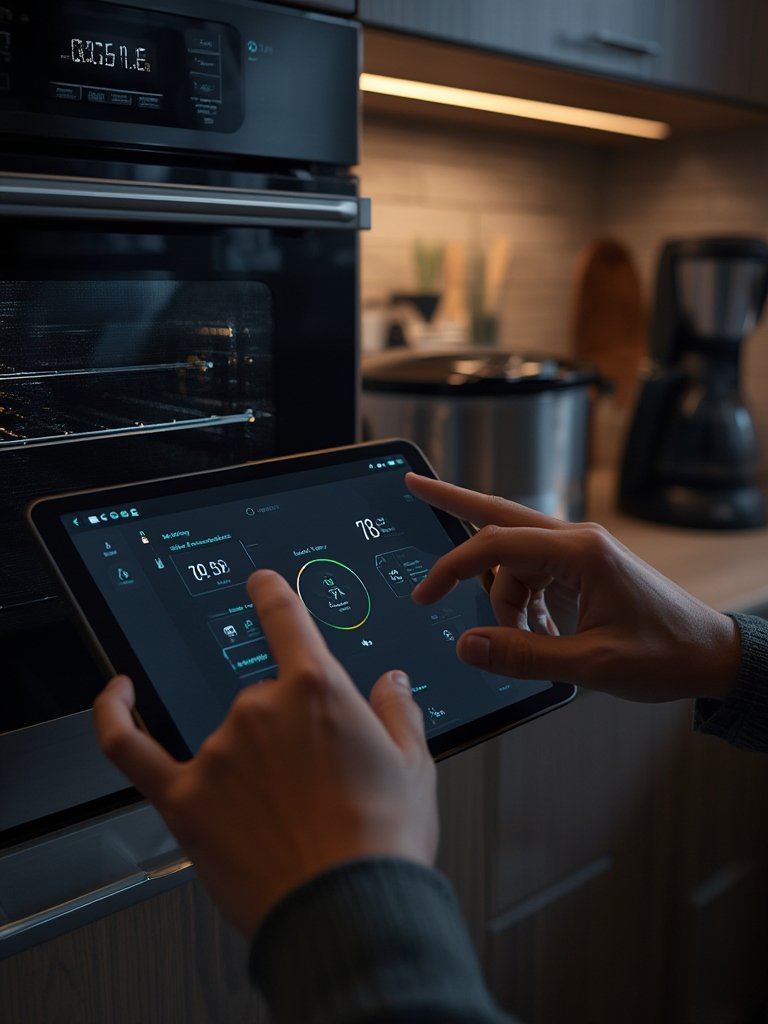
Don’t forget simple upgrades—like adding antimicrobial peel stick tiles for hygiene, or Peel Stick Backsplash for a fast visual refresh—so your kitchen looks as smart as it performs. For specific streaming or smart display needs, check out the versatile Roku Stick to complete your connected home.
Advanced Analysis: Pitfalls, Problems, and Realities in 2024
Smart kitchen devices are not foolproof. Here’s what you need to know about common pitfalls, based on current research and user reports:
- Connectivity Issues: Wi-Fi disruptions or router changes can knock devices offline—especially those without reliable Bluetooth or backup protocols.
- App Bloat and Inconsistent Updates: Some devices require multiple apps for similar tasks, and updates may lag, causing bugs or breaking integrations.
- Voice Assistant Gaps: While most new devices boast Alexa/Google/HomeKit support, not all features are available via voice—double-check which functions are voice-enabled.
- Noisy Operation and Construction Quality: Lower-priced options may cut corners, leading to louder fans (in air fryers), slow heating elements, or unreliable sensors.
- Limited Customer Support: Warranty and app/firmware support durations are still inconsistent across brands, especially for budget imports.
Let’s compare some critical aspects of smart kitchen devices
| Feature | Worth-Buying Models | Budget/Off-Brand Devices |
|---|---|---|
| Wi-Fi & Voice Integration | Amazon Alexa/Google Assistant/HomeKit support; integrated apps | Basic mobile apps, limited or no voice support |
| Automation & Scheduling | Advanced routines, IFTTT compatibility, multi-device triggers | Manual controls, few or no scheduling features |
| Construction & Longevity | Solid build, secure firmware updates, longer warranty | Less durable, no security updates, sparse documentation |
| Energy Efficiency | Smart sensors, eco-modes, remote monitoring | Standard settings, less power monitoring |
| Ongoing Support | Active customer service, firmware/app support | Infrequent support, limited troubleshooting help |
Research also shows there is limited transparency on ongoing costs (subscriptions, app fees) and warranty coverage, so always review manufacturer terms before purchasing. Smart home integration can be as seamless as adhering easy-to-remove decor—like LEGO Bamboo or Princess Decals—but is only as good as your setup and expectations.

Conclusion
Smart kitchen devices worth buying can transform your daily routine, offering automation, voice control, and energy efficiency. The right Wi-Fi coffee makers, air fryers, and appliances blend seamlessly into modern kitchens if you pay attention to compatibility, connectivity, and setup details. Always review device features and support policies. Now is the time to upgrade thoughtfully—for convenience and peace of mind—by investing in the smart kitchen devices worth buying that best fit your lifestyle.
Ready to get started? Compare models, read reviews, and future-proof your kitchen—so your next coffee or meal feels effortless.
Frequently Asked Questions
Do all smart kitchen devices require a subscription or extra fees?
No. Most smart kitchen devices worth buying only require an upfront purchase. However, check app stores—some advanced features or recipe libraries might have optional subscription tiers. Always read the manufacturer’s details before buying.
Will my smart coffee maker and air fryer work with Alexa or Google Home?
Nearly two-thirds of current models connect directly with major voice assistants, but individual features may differ. Check the product page for the latest compatibility information and supported commands.
Are there significant differences between premium and budget smart kitchen devices?
Premium brands offer better app support, build quality, longer warranty terms, and more reliable voice integration. Budget options may miss advanced automation or require workarounds for voice control.
What if my device loses Wi-Fi connection?
If a device loses Wi-Fi, some features may be unavailable until it’s reconnected. Many allow local/manual operation as a backup. To minimize disruptions, ensure your kitchen has strong Wi-Fi and periodically update router software.
Can a smart kitchen setup help with hygiene and easy cleaning?
Yes. Some smart appliances have self-cleaning modes, maintenance reminders, or food-safety sensors. For added cleanliness with zero hassle, look into antimicrobial peel stick tiles for quick upgrades behind your appliances.
—
