

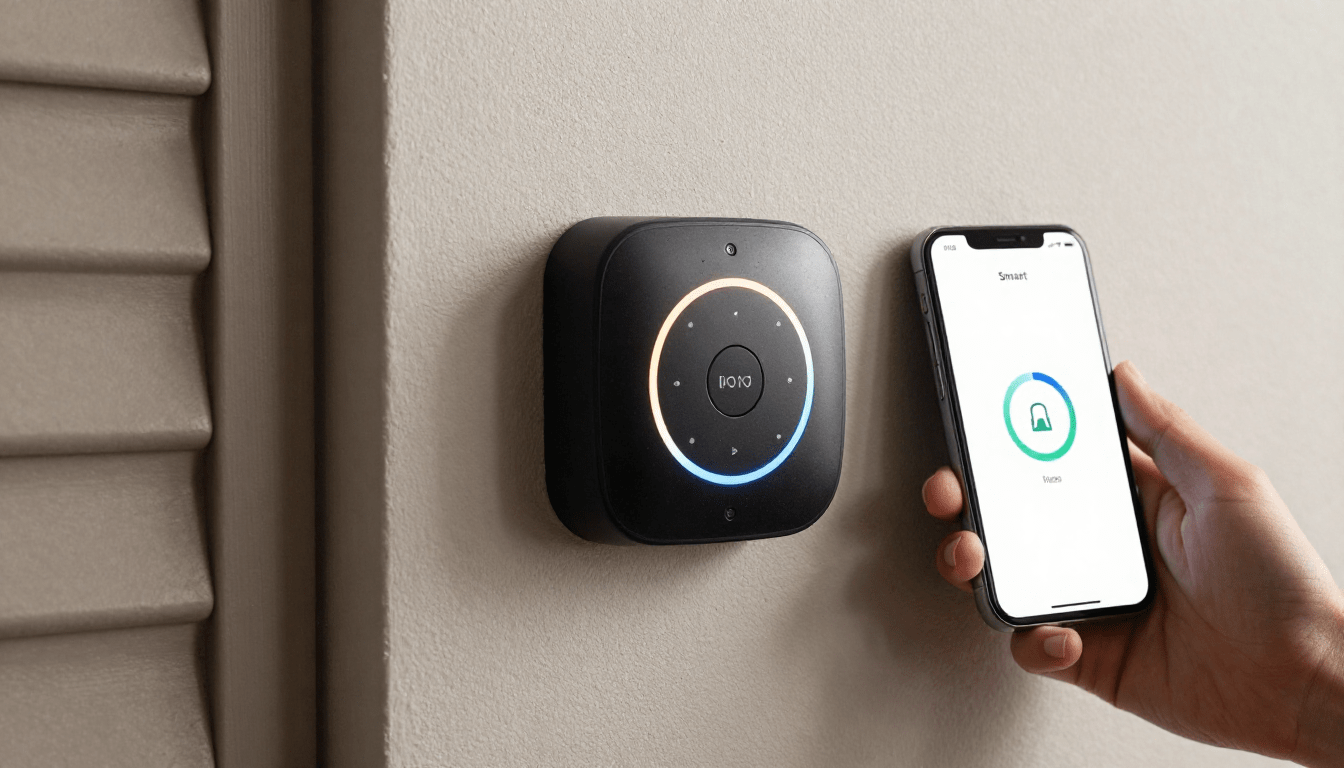
Smart garage door opener technology is rapidly changing how homeowners secure, access, and automate their garages. But is it worth the upgrade, and what do you need to know before installing one in your home? This article cuts through the hype, revealing the realities, technical must-knows, and common gotchas around choosing, setting up, and living with a smart garage door opener in 2024.
Key Takeaways
- Smart garage door openers now represent 60% of the global garage tech market, with over 21 million in use worldwide as of 2024.
- Most models rely on Wi-Fi for remote access, but technical requirements and real-world performance vary—compatibility and connectivity matter.
- Installation, security, power-backup, and privacy are often overlooked—know what to watch out for before investing.
- What Is a Smart Garage Door Opener & Why Consider One?
- How to Install and Set Up a Smart Garage Door Opener (Step-by-Step)
- Smart Garage Door Opener: Advanced Analysis & Common Pitfalls
- Conclusion
- FAQ
What Is a Smart Garage Door Opener & Why Consider One?
A smart garage door opener replaces or upgrades your traditional opener, allowing you to control and monitor your garage door from a smartphone, tablet, or voice assistant—from anywhere, at any time. This tech integrates into your home Wi-Fi and usually works via a dedicated app, such as myQ or other top options. The result? More convenience, stronger security, and the ability to automate who comes and goes from your garage.
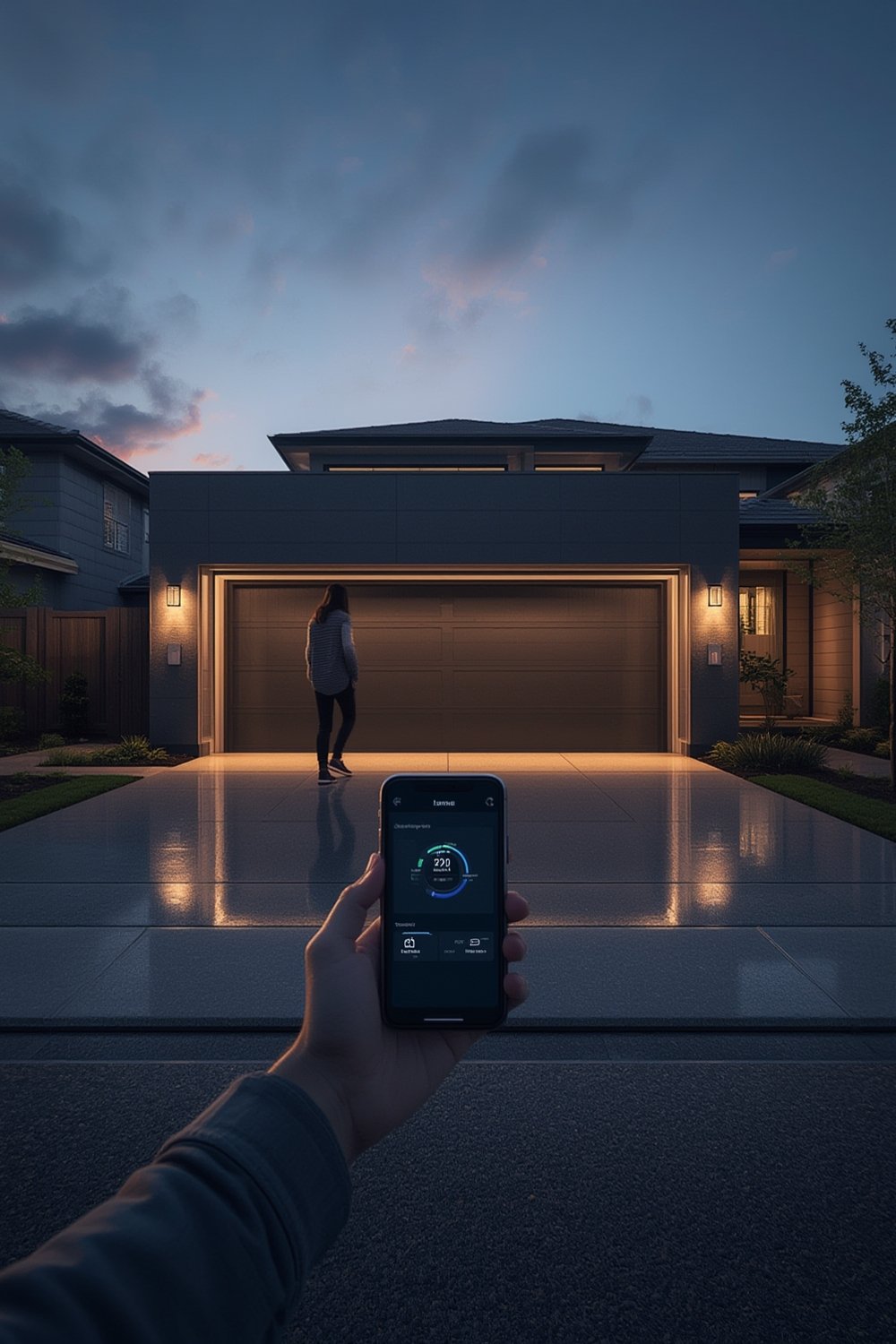
Recent market research shows that smart openers accounted for 21 million out of the estimated 65 million garage door openers worldwide in 2024. In the United States, 7 to 9 percent of households have already upgraded, mainly to enable remote monitoring, package delivery access, and peace of mind when traveling.
Wi-Fi enabled units hold roughly 50 percent of the market, since they offer the easiest setup and broadest compatibility. Homeowners can integrate these openers into smart homes using Alexa, Apple HomeKit, or Google Assistant. If you’re looking to modernize your garage entry, smart controllers offer substantial day-to-day convenience—provided you select the right model and know your tech limitations.
Want to make informed upgrades in other rooms as well? Discover DIY kitchen backsplash installation that adds flair to your home in hours.
How to Install and Set Up a Smart Garage Door Opener (Step-by-Step)
Upgrading to a smart garage door opener is achievable for most DIYers, but careful planning and troubleshooting are vital. Here’s a practical guide:
- Assess Compatibility: Before buying, verify your existing garage door system supports smart upgrades. Review the motor brand and model, see if it’s compatible with main brands like myQ, and check manufacturer requirements for Wi-Fi modules or retrofits. If you’re unsure, contact your opener’s support team or visit resources like Clopay’s garage tech blog. Don’t skip this—saving $30 up-front can cost you hours later.
- Research Features and Subscription Models: Not all openers offer the same features. If you value in-garage delivery (for Amazon packages), live-video, or activity notifications, ensure your device supports these. Some require monthly subscriptions for video storage or advanced integrations.
- Plan for Wi-Fi Coverage: Smart openers require strong, reliable Wi-Fi in your garage. Test your signal at the location you’ll install the opener using free speed test apps. Poor coverage leads to app lag, disconnects, or failed remote access. You may need a mesh network or Wi-Fi extender for stable performance.
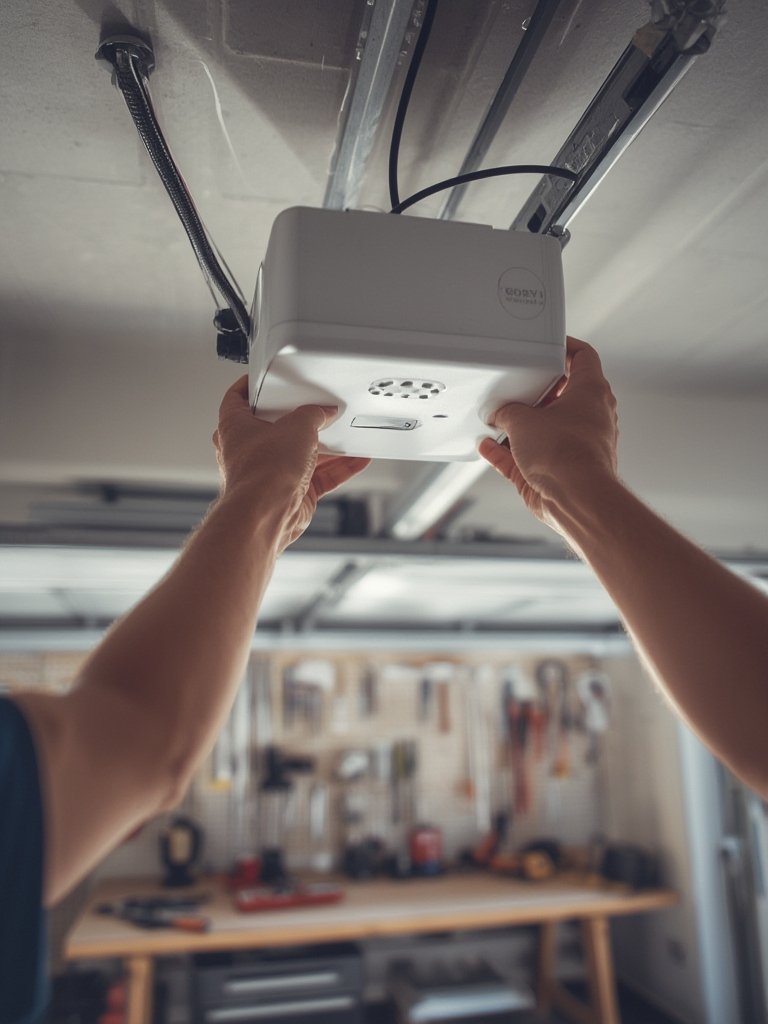
- Install the Hardware: Most systems come with clear DIY instructions. Basic steps include disconnecting power, mounting the new bracket or control unit, wiring it to the current opener per manufacturer diagram, and securing any battery backup system. If you get stuck, many brands offer video tutorials. Always restore power safely and test for correct operation before moving on.
- Connect via App and Configure: Download the manufacturer app (like myQ), create an account, and link it to your Wi-Fi. Follow the in-app steps to pair the opener, set up notifications, and enable smart integrations such as Alexa or Google Assistant.
- Verify Automation and Backups: Test auto-close features, notifications, and, if applicable, backup battery readiness. Check for firmware updates in the app. If the opener offers video, ensure your camera feed is clear and responsive from your devices.
Smart upgrades aren’t just for your garage! For a striking kitchen upgrade, learn from our waterproof backsplash tiles review—perfect where function meets design.
Smart Garage Door Opener: Advanced Analysis & Common Pitfalls
While smart garage door openers offer big benefits, real-world ownership highlights critical gaps and frustrations. Here’s what research and expert insights reveal:
| Factor | What to Watch For | Potential Issues | Recommended Resources |
|---|---|---|---|
| Technical Compatibility | Check specs before purchase, especially for older motors. | Device may not pair, or may lack critical features. Interoperability issues with Alexa/Google Home. |
Global Market Report |
| Wi-Fi & App Connectivity | Test Wi-Fi before setup. Look for 2.4GHz vs. 5GHz support. | Slow app response. Occasional command delays, especially on weak connections. | Upgrade to mesh Wi-Fi if needed. |
| Security & Privacy | Look for encryption, secure app login, auto-firmware updates. | Potential exposure if device isn’t patched. Data collected by manufacturer—review privacy policy. | Industry Report |
| Battery Backup | Spec out battery duration. Not all models include backup. | Opener fails during power outage if not present; battery life often unclear or underperforming. | Contact local installers for real-world performance data. |
| Camera features (if included) | Test video before you need it. Check privacy settings. | Feed can lag, disconnect, or send too many/too few alerts. | Forums and reviews give more real-world feedback than official specs. |
User-generated complaint data for popular apps and devices is mostly missing from public market research. But expert consensus echoes the following issues:
- Unclear installation requirements: Many older garage openers aren’t compatible—double-check before buying.
- Intermittent Wi-Fi/app connection: Distance from router, thick walls, or metal can cause dropouts.
- Subscription ‘surprise’: Some features (like cloud video or advanced automation) require a paid plan.
- Privacy and security gaps: Not all devices offer two-factor authentication, and video/camera privacy varies by brand.
- Battery backup limitations: Manufacturers rarely publish run times, and batteries can degrade quickly in harsh garages.
Explore a similar approach to risk management in our backsplash comparison guide, where hidden costs can also add up.

Conclusion
Upgrading your garage with a smart garage door opener is one of the most practical smart home projects—if you do your homework. Remember, smart garage door opener systems deliver the best results when you focus on device compatibility, secure app setup, and strong Wi-Fi coverage. Pay attention to subscription needs, backup power options, and privacy settings to avoid new headaches. Ready to take control of your garage and modernize your home? Start with research and choose a system that matches your real-world requirements, not just flashy features.
Level up your entire home automation journey—discover more inspiration in our backsplash design inspiration guide.
Ready to upgrade? Check for compatibility, talk to your local installer, and take charge of your home!
FAQ
Do I need to replace my existing garage door opener to go smart?
Not always. Many smart controllers, such as myQ, work as add-ons that connect to most existing opener models. However, double-check compatibility before purchase—some older units require a full replacement.
Will a smart garage door opener work during a power outage?
Only if the unit includes a battery backup. Not all models provide this feature, and battery run times vary. Clarify battery capacity before buying and keep in mind batteries may degrade over time, especially in cold or hot garages.
Is my Wi-Fi strong enough in the garage for smart control?
Test your Wi-Fi signal inside your garage before installation. If speeds are low or connections drop, install a mesh Wi-Fi system or range extender to guarantee reliable remote access and notifications.
Are there privacy or security risks with smart garage door openers?
Potentially. Some devices lack advanced security like two-factor authentication or end-to-end encryption. Always use strong, unique passwords and update firmware regularly to protect against vulnerabilities.
How much does it cost to upgrade to a smart garage door opener?
Costs vary depending on brand, features, installation, and potential subscription fees. Expect to pay for hardware ($100-$500), possible installation ($75-$200), and optional monthly fees for video or advanced features.
